
Securing a.NET Compact Framework field client requires protecting four distinct assets across both connected and disconnected operations: device identity, cached business records, authentication material, and synchronization traffic. A successful user login establishes almost nothing about the overall security posture of a legacy handheld. It leaves two vital questions unanswered: whether a lost terminal exposes its local cache to whoever picks it up, and whether the client's next outbound synchronization request properly validates the server's certificate.
Architects maintaining legacy field-service and industrial inspection clients—such as mobile terminals tracking plasma arc cutting, arc welding, and air carbon cutting work orders, must anchor their engineering decisions in physical evidence. Rather than inferring security from framework documentation, the implementation process must begin by inventorying the actual device stack, testing its specific protections under failure conditions, and deciding whether a restricted gateway architecture or outright hardware replacement is required.
What's Inside
- A Field Client’s Security Boundary Extends Beyond Login
- Inventory the Device Stack Before Choosing Security Controls
- Separate Device Identity, User Login, and Offline Access
- Test TLS and Certificate Failures on the Actual Handheld
- Protect Cached Credentials and Offline Work Orders
- Put a Narrow Gateway Between Handhelds and Current Services
- Walk Through a Lost-Connection Work-Order Upload
A Field Client’s Security Boundary Extends Beyond Login
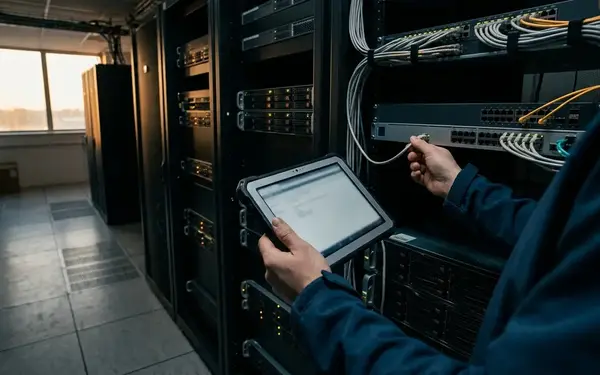
Field-service rApps operate outside controlled physical perimeters. Because technicians carry these units through disconnected industrial sites, validation requires two separate acceptance paths: physical inspection of an offline handheld and wire-level testing of its next authenticated connection. Passing one verification track does not establish that the other is secure.
When a handheld leaves the cradle, its local storage becomes the primary attack surface. If a technician loses the terminal, the server cannot intervene until the device attempts to reconnect. Consequently, an architecture that relies solely on live server authentication fails the moment the device enters an offline state with cached work orders on its flash storage.
Inventory the Device Stack Before Choosing Security Controls
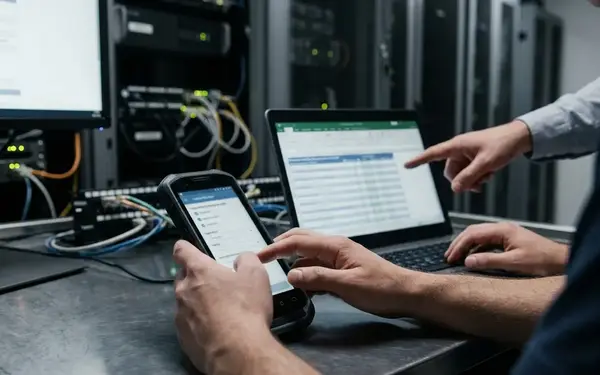
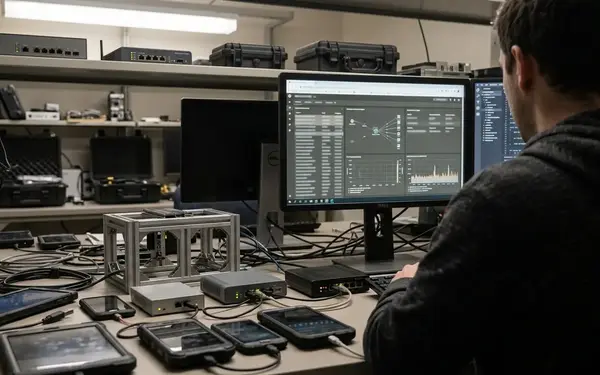
Start with a deployed handheld and its exact installation package rather than selecting controls based on the target.NET Compact Framework version alone. Managed application behavior is heavily constrained by the underlying operating-system networking stack, OEM vendor components, and active device-management policies. Treat any undocumented behavior as unresolved until physical testing proves how the terminal responds.
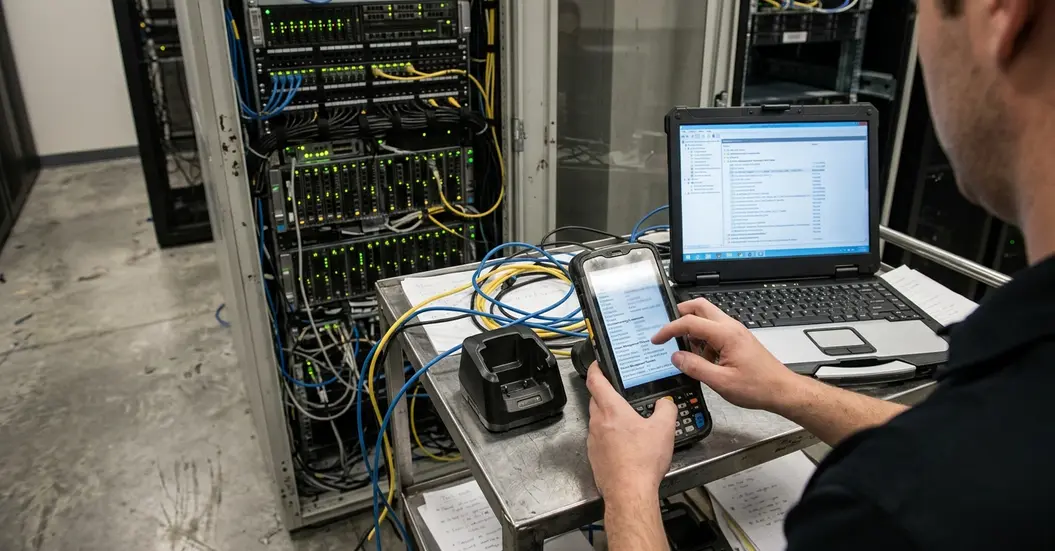
Before approving authentication, local storage, or transport mechanisms, build a formal capability record for the hardware in the field. Every capability record must document the requirement, observed behavior, test method, resulting restriction, test date, device model, operating-system build, framework version, and application build. Publish test dates and build identifiers only alongside documented results; leave records explicitly unverified when the engineering archive lacks corresponding evidence.
- Hardware and OSBaseline: Record the exact device model, operating-system build,.NET Compact Framework version, underlying networking libraries, and installed system updates.
- Trust and Time Persistence: Inspect the device certificate stores and test clock persistence. Check clock behavior specifically after a cold boot and complete battery depletion to verify whether the unit retains a plausible date before attempting certificate validation tests.
- Deployment and Storage Footprint: Document the application deployment method (such as CAB installers or cradle sync), configuration-file secrets, local database files, upload queues, and removable-storage paths.
- Network Destinations: List existing authentication mechanisms and every synchronization destination contacted by the client, including HTTP redirects.
Note a critical methodological boundary: a verified compatibility result describes only the exact hardware, operating-system image, networking stack, certificate provisioning state, and application build tested on the bench. An emulator result or a matching framework version on a different terminal model never establishes fleet-wide compatibility.
Separate Device Identity, User Login, and Offline Access
A resilient mobile architecture separates three distinct decisions: how an administrator enrolls a physical device, how a technician proves personal identity, and how the server authorizes each individual synchronization operation. Choose an authentication flow only after verifying what the client runtime can execute securely, without assuming support for embedded browsers, modern token libraries, or contemporary identity-provider integrations.
Maintain independent checks for device-enrollment status, user-account status, and specific work-order assignments. A recognized, enrolled handheld must never receive another technician's records merely by submitting that technician's user identifier in a synchronization request. Where verified platform support exists, assign individually revocable, narrowly scoped credentials to each unit. Never rely on a shared fleet password or a secret compiled into the managed executable; binaries on a handheld are easily extracted and inspected.
Revoked Enrollment, Disconnected Cache Server denial begins only at reconnection. Because a disconnected handheld cannot receive immediate notice of an account or device revocation, already-downloaded work orders remain a local storage and offline-access responsibility. Minimize the volume of records exposed prior to that next server contact.
Define offline access rules independently of server login so that reconnection and local unlocks do not share a single point of failure. Record the offline policy as concrete parameters: permitted cached records, an explicit offline-access deadline, operations allowed without connectivity, and actions requiring live reconnection. Finally, establish three distinct operational response procedures:
- Lost Handheld: Revoke the specific device enrollment identity immediately at the gateway.
- Departing Employee: Disable the user account and invalidate all associated user credentials across the synchronization tier.
- Expired Offline Session: Deny further local application access on the handheld according to the defined retention policy until the unit completes an authenticated server check-in.
Test TLS and Certificate Failures on the Actual Handheld
Transport security cannot be approved simply because a test request succeeds over HTTPS. You must validate transport behavior through negative testing on the physical handheld. Configure a controlled test endpoint and alter one certificate condition at a time, retaining both the endpoint configuration and the device-side evidence for each test case.
Select configuration steps and networking APIs directly from the documentation for the identified operating-system build and native networking library rather than importing desktop.NET patterns. Keep strict certificate validation enabled even when operating over private cellular APNs or isolated wireless networks. A gateway does not upgrade the handheld's native transport implementation; if the device-facing connection fails the organization's minimum cryptographic requirements, block the deployment.
Negative Transport Acceptance Cases
Require hard connection failures for invalid certificates. Never implement a permissive validation callback that ignores errors, and never rely on a user-dismissable warning dialog that field technicians will routinely bypass to finish their shift.
- Protocol Negotiation and Clock Skew: Verify permitted TLS protocol negotiation, certificate validity dates, and handshake behavior when the device clock is intentionally set to an incorrect date after battery drain.
- Untrusted Issuer: Present a certificate signed by an unknown authority and verify that authenticated synchronization aborts before transmitting credentials.
- Expired Certificate: Present a certificate past its validity window and confirm immediate connection termination.
- Hostname Mismatch: Serve a valid certificate issued to a different domain name and verify that the client networking library rejects the match.
Field lifecycle management requires testing certificate renewal before production rollout. Provision the replacement server certificate—including its intermediate chain and root trust anchors, to a staging endpoint, and record the exact administrative path required to install or update trust anchors on deployed terminals. Treat certificate revocation checking as an unknown capability until proven: record whether revocation checking actually occurs on the device, capture packet or log evidence demonstrating it, and test exactly what happens when the revocation service is unreachable.
Protect Cached Credentials and Offline Work Orders
Securing local state requires mapping every location where secrets and business records land during normal operation and crash recovery. Inspect configuration files, local database files (such as SQL Server Compact `.sdf` stores and their temporary side files), queued request bodies, diagnostic logs, removable storage cards, automated backup directories, and CAB deployment packages.
Use operating-system-backed secret protection only where the specific handheld supports it and its behavior has been verified across reboots. Verify actual key custody rather than merely recording the encryption algorithm in a compliance checklist. Encrypting a local database with a symmetric key stored alongside the ciphertext in an application configuration file offers minimal protection once an attacker extracts the flash image. Similarly, treat an application-level PIN as a user-interface gate unless it directly controls access to an operating-system-protected cryptographic key.
Minimize the data footprint on the terminal. Decide separately which material must survive an interrupted upload and which material must be purged immediately upon server acknowledgment or technician reassignment. Define automated deletion triggers for successful synchronization, work-order reassignment, and retention expiry, ensuring the purge routine sweeps secondary copies such as temporary XML exports and diagnostic logs.
Audit logging on the device and server must capture enrollment changes, synchronization outcomes, authorization denials, and non-secret correlation identifiers while strictly excluding passwords, reusable tokens, and sensitive work-order payloads. Set failed-login behavior according to the specific device threat model and supported platform controls rather than inventing an arbitrary retry threshold. Test backup restoration, application reinstallation, and replacement-device provisioning against a device holding pending uploads: verify both that authorized un-uploaded work remains recoverable and that a different technician cannot open restored records. Finally, document remote wipe accurately as a capability-dependent, connectivity-dependent mitigation that cannot reverse data disclosure that occurred while the unit was offline.
Put a Narrow Gateway Between Handhelds and Current Services
Legacy handhelds should never communicate directly with modern internal enterprise services. Instead, route all field traffic to a restricted, device-facing gateway endpoint. The gateway performs authentication, authorization, and strict input validation before opening a separate, independently authenticated connection to upstream services.
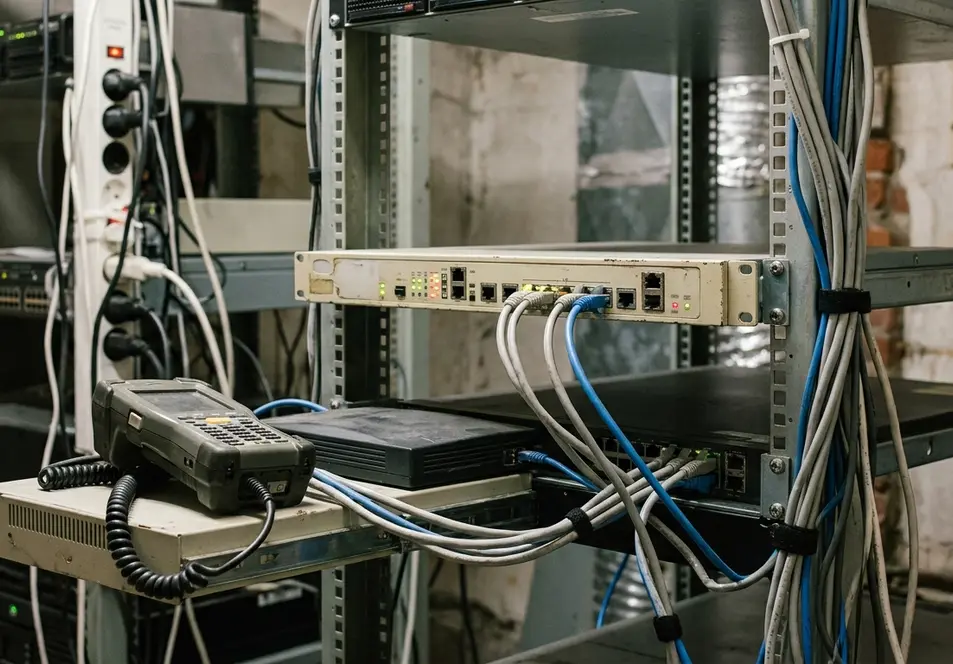
This architectural boundary isolates legacy protocol constraints and keeps upstream service credentials entirely off the handheld. If an organization permits an exception for obsolete device-facing transport on a legacy terminal, document that decision as an explicit risk exception requiring network isolation and compensating controls—never treat gateway mediation as proof that the handheld's wireless link itself has become secure.
Gateway Responsibilities and Containment
Design the gateway around narrow, operation-specific routes—such as fetching assigned work orders or submitting completion updates, rather than exposing a general-purpose HTTP proxy. In legacy Compact Framework synchronization queues, unvalidated client payloads can carry stale status transitions when connectivity flaps.
- Schema and Payload Enforcement: Define permitted fields, exact field lengths, maximum request-body sizes, allowed status transitions, and request-rate limits for every route, deriving those limits directly from the work-order schema and upstream service capacity.
- Server-Side Authorization Mapping: Maintain distinct credentials for device-facing authentication and upstream service access, backed by auditable enrollment and revocation records. Map the authenticated device and technician identity to authorized work orders on the server; never authorize an update solely from technician or work-order identifiers supplied inside the client's request body.
- Sanitized Telemetry: Correlate gateway activity and upstream service events using a non-secret request identifier while scrubbing credentials and work-order contents from diagnostic logs.
State the containment boundary plainly in system documentation: gateway policy narrows upstream service exposure, enforces rate limits, and blocks unauthorized lateral access, yet it cannot repair a compromised handheld OS or protect offline records sitting on a terminal outside its reach.
Walk Through a Lost-Connection Work-Order Upload
The following walkthrough illustrates a hypothetical design for a disconnected field-service workflow—such as a technician recording completed structural arc welding and air carbon cutting inspections, rather than a report from an existing production deployment. It demonstrates how an architect chains device verification, narrow gateway validation, and idempotent synchronization into a repeatable engineering sequence.
Committed Work Order, Missing Acknowledgment When a connection drops mid-upload, trace the handheld queue, the gateway deduplication record, and the upstream database commit as three separate recovery states. The client must retry using the original operation identifier so the gateway can return the cached receipt without duplicating the upstream state change.
Step 1: Verify the Handheld Stack and Transport Failure Modes
Before writing synchronization code, record the tested handheld model, operating-system build,.NET Compact Framework version, application build, certificate store configuration, and test date. Point the physical terminal at a staging endpoint and verify that untrusted issuers, expired certificates, and hostname mismatches each block authenticated synchronization—including immediately after a cold boot and battery-drain clock reset. If certificate validation or the required encrypted connection fails any check, halt the deployment.
Step 2: Enroll the Unit and Restrict the Local Cache
Enroll the handheld through an administrator-controlled provisioning process and bind its enrollment record to the assigned technician. Store the resulting revocable credential exclusively through a local protection mechanism verified on that specific hardware build; if secure credential custody cannot be established on the terminal, do not deploy this design. Once authenticated through the gateway, download only the specific work-order fields required for the technician's current shift and apply the local offline-access deadline.
Step 3: Persist the Operation Identifier Before Transmission
While disconnected at the job site, the technician finishes the assigned task and marks the work order complete. The client application generates a unique operation identifier at the exact moment the technician completes the work order in the UI—never waiting until the network request begins. The application writes this operation identifier, the work-order identifier, the intended status transition, and the serialized payload into its local persistent queue before attempting any radio transmission.
Step 4: Reconnect and Deduplicate at the Gateway
When the handheld regains signal, it opens a validated TLS session to the gateway's completion-submission route and transmits the queued payload. The gateway verifies the device enrollment status, validates the user credential, checks that the authenticated technician is currently assigned to that specific work order, and enforces field-length and status-transition rules.
To prevent duplicate updates during flaky cellular handoffs, the gateway binds a durable deduplication record to the authenticated enrollment identity and the client-supplied operation identifier. It stores a cryptographic fingerprint of the payload and rejects any subsequent attempt to reuse that operation identifier with altered contents. Where the gateway and work-order store share a database, commit the work-order state change and the deduplication record inside a single local transaction. If the gateway forwards the call to a separate upstream service, require equivalent upstream idempotency or a durable reconciliation state machine; performing a simple gateway lookup followed by an unprotected upstream call leaves a crash window.
Step 5: Handle Interrupted Acknowledgments and Revocation
To verify recovery under poor field conditions, simulate a dropped socket immediately after the upstream work-order commit succeeds, suppressing the HTTP acknowledgment back to the handheld. Because the handheld never received confirmation, its local queue retains the pending item. On the next retry cycle, the client transmits the exact same operation identifier and payload. The gateway matches the authenticated enrollment, operation identifier, and payload fingerprint against its durable deduplication record, bypasses a second execution, and returns the recorded confirmation receipt. Retain this deduplication record on the server for at least the maximum supported retry lifetime of queued field operations.
Upon receiving the valid acknowledgment, the handheld marks the local queue item synchronized and triggers its local retention purge, deleting the completed work-order details from the `.sdf` store and clearing any temporary export files. Finally, test the revocation path: queue a second offline completion on the handheld, revoke the device enrollment on the gateway, and trigger a synchronization attempt. Verify that the gateway rejects the connection at authentication without instructing the handheld to blindly wipe its unsent local queue merely because a network login failed, preserving the forensic and operational state on the terminal for administrative recovery.








Join the Conversation
Share your thoughts.
Your Comment