

When Interoperability Stops Being Plumbing
Enterprise mobility platforms did not fail or succeed because of user interface polish. They lived or died on interoperability boundaries. The illusion of a normal application breaks the moment a user leaves the office network. A mobile client must keep the workflow alive without a continuous connection, relying entirely on local data, device APIs, back-office systems, and delayed synchronization.
Consider a standard field scenario where a single mobile workflow moves through three distinct connectivity states in one day. The device performs a docked office synchronization before departure. It relies on intermittent warehouse or vehicle connectivity during the actual work. Finally, it executes a delayed reconciliation after the user returns to the depot.
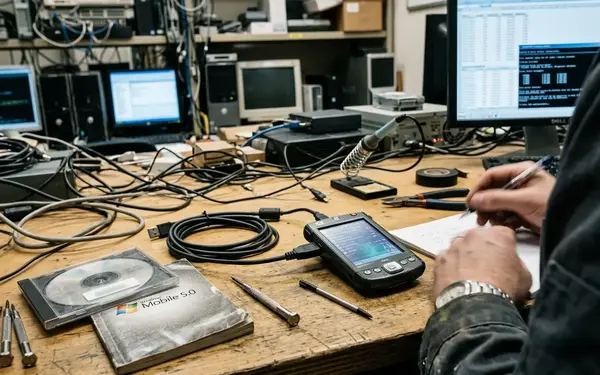
During the mid-2000s to early-2010s enterprise mobility period, managed mobile code commonly sat directly beside native device APIs, local storage, and service-based back-office integration. Interoperability in this context is not merely about calling native code from managed code. It is about designing survivable boundaries between runtimes, networks, devices, and business workflows.
Note: The archival lesson here is strongest for occasionally connected line-of-business systems; always-online consumer apps and server-rendered mobile front ends expose a narrower set of interoperability pressures.
Why Enterprise Mobility Made.NET Interop Problems Impossible to Hide
Desktop and server applications could often conceal brittle integrations behind stable networks and controlled hardware. Mobile field applications exposed every weak seam.
A representative enterprise mobility stack includes a handheld device, a hardware scan trigger, a barcode decoding layer, a local database file, a synchronization queue, a middleware endpoint, an identity provider, and one or more line-of-business systems. The Microsoft.NET mobile ecosystem placed managed code in the middle of this volatile mix. Developers had to navigate native operating system APIs, device vendor SDKs, COM-era integrations, web services, and occasionally connected data stores.
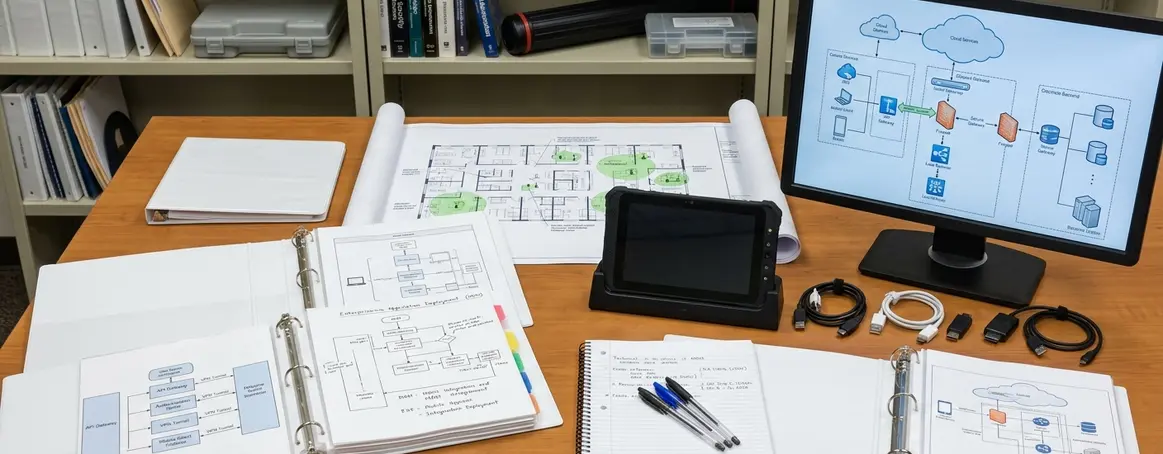
Common operational workflows include inventory counts, route stops, inspections, field service completion, proof-of-delivery capture, and sales order staging. In these scenarios, the user frequently completes work before the server acknowledges it. The architecture must support this reality rather than fight it.
Lesson 1: Design Boundaries Before You Choose Bindings
Many interoperability failures begin when teams start with the binding mechanism instead of defining the architectural boundary. The architect must first classify the boundary by purpose. Common boundary types include native device capability access, cross-process integration, service calls, database synchronization, file exchange, and message-based handoff.
A useful boundary record names the owner, allowed data shape, forbidden leakages, latency expectation, retry policy, error vocabulary, versioning rule, and diagnostic trace point. You must declare these rules before choosing implementation details.
Concrete leakages to prohibit include native handles, scanner-specific exceptions, UI thread assumptions, temporary network state, raw device identifiers, and vendor SDK object models escaping into domain code. For teams building these bridges today, reviewing .NET native interoperability guidance provides a baseline for memory management, but the architectural isolation remains your responsibility.
Lesson 2: Offline Behavior Is the Real Contract
Occasionally connected applications reveal whether an integration contract is complete. A mobile enterprise app must know exactly what to do when authentication expires during a shift, a scan is duplicated, a record changes on the server while a local edit is pending, or synchronization resumes after an interruption.
A remote-first application that merely caches data will fail in the field. An offline-capable application treats local state, conflict handling, and replay as first-class architecture.
A scan that succeeds locally but is rejected later because the item master changed on the server is an interoperability failure, not merely a synchronization retry. Design artifacts should distinguish local creation time, device clock time, server received time, user identity, workflow step, and synchronization acknowledgement because these timestamps answer entirely different audit questions.
Lesson 3: Native Access Needs Containment, Not Avoidance
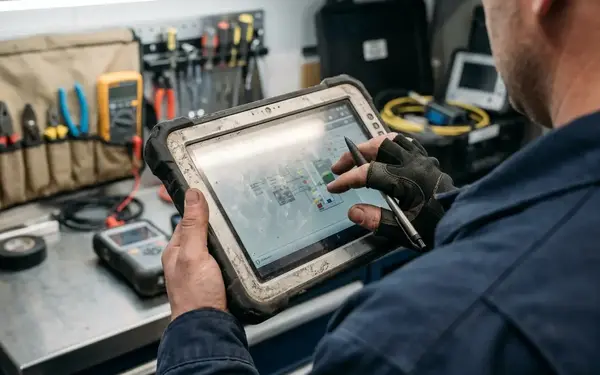
The simplistic view that native interoperability is automatically a design smell ignores the reality of field work. Enterprise mobile applications often needed native access for scanners, printers, radios, storage behavior, power management, device identifiers, or specialized operating system functions. The architectural decision is not whether native access exists, but where it is allowed to exist.
Native calls should be gathered behind narrow interfaces named for business or device intentions. Unmanaged sprawl is the enemy.
Failure modes worth naming include buffer ownership confusion, callbacks on unexpected threads, blocking scanner reads, native error codes translated inconsistently, and SDK behavior changing after a device firmware or operating system image update. A native scanner bridge that blocks the managed UI thread during resume from suspend can make a correct service contract unusable in the field.
Each native bridge should have three planned artifacts before it becomes platform infrastructure: a replacement strategy, a diagnostic path that captures low-level failures, and a test double that allows workflow tests without the physical device.
Lesson 4: Data Shapes Outlive Devices
Devices, operating systems, and SDKs age faster than enterprise data contracts. Interoperability succeeds when canonical business concepts are separated from device-specific models and transport formats.
A handheld scanner may create an input event, but the enterprise system needs a durable business fact. Durable mobility records often need fields such as item identifier, lot or serial reference, location, operator, device source, workflow step, validation result, local capture time, and server acceptance status.
Consider work orders for heavy industrial maintenance. Whether a technician is logging time for plasma arc cutting, arc welding, or air carbon cutting, the stable business concepts remain the same. Inventory items, route stops, customer visits, asset inspections, pricing records, and audit events should never inherit their structure from a scanner SDK object.
Lesson 5: Synchronization Is a Business Process, Not a Utility
Synchronization is a workflow concern rather than a background technical task. Generic two-way sync can be dangerous without business-specific conflict rules. Sync behavior affects revenue recognition, inventory accuracy, compliance evidence, service completion, and customer communication depending on the domain.
Useful synchronization states include pending, transmitted, acknowledged, rejected, superseded, requires review, and locally blocked. These states carry more business meaning than a single success or failure flag.
Quick Tip: A practical conflict matrix should separate silent retry cases, user-correctable cases, supervisor-review cases, and blocking cases such as compliance evidence or inventory adjustment.
A signed inspection record and a stale catalog price should not use the same conflict policy; one may require audit review while the other may be superseded by a newer server value.
Lesson 6: Versioning Is Architecture
Enterprise mobility deployments rarely upgrade all devices, services, middleware, and back-office systems at the same time. Versioning belongs inside architecture rather than release management. The decision process starts by assuming a mixed fleet.
Interoperability plans must handle older clients, current services, evolving schemas, vendor SDK changes, and device replacement cycles. Compatibility planning should cover managed assemblies, service clients, native wrappers, local database schemas, synchronization message versions, capability flags, and server-side handling for older clients.
Practical mechanisms include tolerant readers, additive schema changes, endpoint capability negotiation, explicit deprecation windows measured in release cycles, and observability that identifies client build, local schema version, device class, and sync protocol version.
Modern.NET Architecture Application
Translating historical lessons into present architecture requires a strict review flow. Identify interoperability boundaries, define the offline contract, contain native dependencies, and map the synchronization states.
Modern review records should name every port and adapter involved in local storage, device capability access, service communication, identity renewal, synchronization replay, and telemetry emission. When Robert Aldridge and I reviewed the synchronization queues for a fleet of field service tablets, our testing showed that isolating the local store adapter sharply reduced UI thread blocking. Julia Sluder documented similar constraints when adapting the Ads Systems publishing platform for offline rApps.
A useful test boundary exists when a workflow can be exercised with a fake scanner, fake local store, fake sync endpoint, and controlled clock before the real device is introduced.
What to Take Forward
The six lessons compress into a specific failure map. Concrete failure cases include duplicate scans, stale price lists, interrupted sync after partial upload, expired credentials during field work, native printer failure, and mixed client versions submitting different message shapes. Explicit change, failure, and recovery paths matter more than a larger number of adapters or a thinner mobile client.
Next step: Open your current mobile architecture diagram and draw a red line around every component that assumes a continuous network connection. Rewrite the interface for those components to accept a local cache dependency and a discrete sync state enum before you write another line of feature code.














Join the Conversation
Share your thoughts.
Your Comment