

The cradle fails before the application does
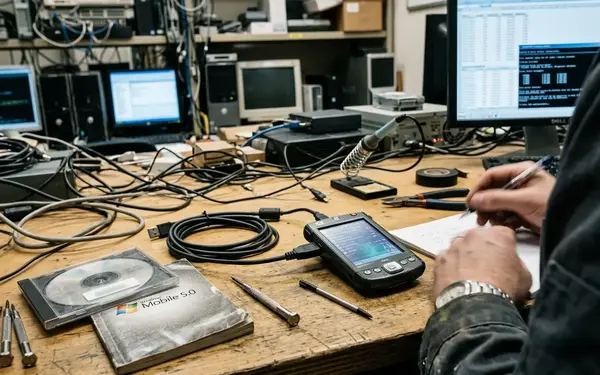
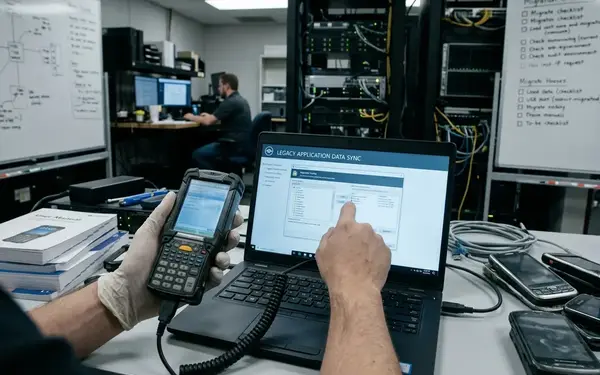
A support engineer seats a Windows Mobile device in its cradle to verify a field-workflow fix. The host never connects. There is no useful application result yet: the engineer cannot deploy the build, open the revised workflow or inspect its behavior on the device.
That distinction can disappear in a hurried release check. A device may appear in the host’s device list while file transfer fails; a file may transfer while CAB deployment fails. Once the connection works, an expired certificate may produce an installation or connection error that looks, at first glance, like a problem with the build. The engineer needs a sequence of checks before assigning the failure to the application.
Reserve the first 5–10 minutes of a release check for establishing that route. Record device detection, file transfer and CAB deployment as separate results. A reliable test bench is a reproducible path from host to field workflow, with each dependency visible when the path breaks.
Inventory the field tasks before the handsets
Start with the work the application must support. A record for an assigned-work download, for example, should identify the device model, Windows Mobile version, application build, peripheral and network path used for that task. Build the inventory around supported combinations, rather than around whatever equipment happens to remain on the shelf.
Give emulators and devices different jobs
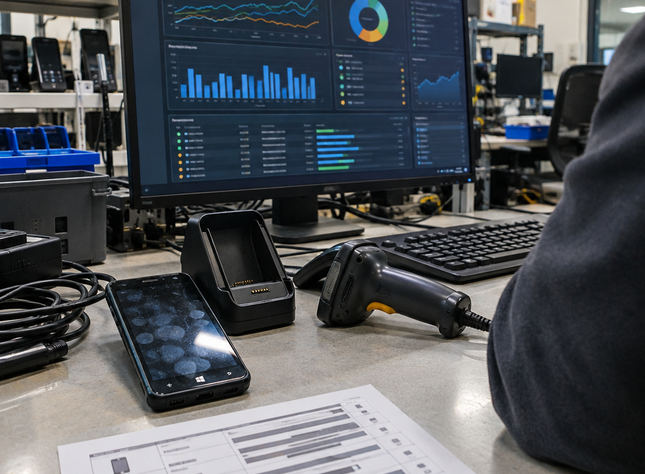
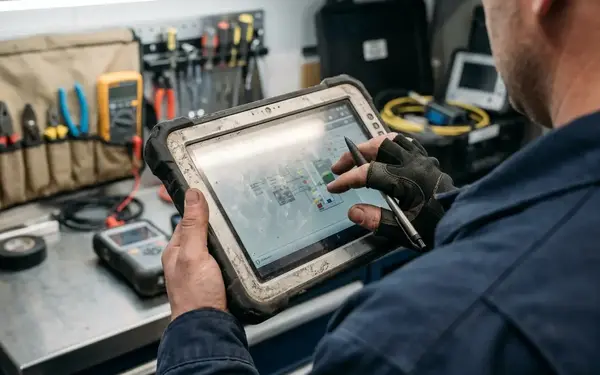
An emulator provides a repeatable place to check application behavior. It cannot establish whether a cradle connects reliably, a scanner reads in the field workflow, a radio reconnects or a battery survives the intended sequence. Give emulator runs and physical-device runs separate inventory entries. For hardware runs, identify the cradle, radio, scanner and battery conditions actually exercised.
Assign an owner to each supported configuration and review it every 3–6 months, sooner when a deployed device or field peripheral changes. One surviving handset may be useful, but its presence alone does not establish coverage for other deployed models or accessories.
Preserve the host-to-device route as a unit
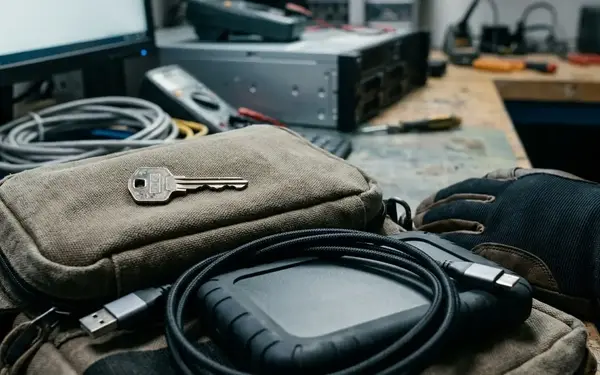
The host, sync software, driver and cable form a test dependency together. Record the host operating system and any virtualization settings, then identify the applicable ActiveSync or Windows Mobile Device Center installation, driver version, cradle port label and cable. Photograph labels before dismantling the bench. A host image can speed recovery; setup notes still matter when a replacement port or cable changes the connection path.
Keep recoverable installers and configuration notes where licensing permits. A legacy host should stay off unnecessary network connections, since routine exposure adds risk without improving a cradle test.
Check past device detection
- Confirm that the host detects the intended device.
- Transfer a file and verify that it arrives.
- Deploy the archived CAB and record the outcome.
Passing the first checkpoint leaves the other two open. Within 1–2 business days of replacing a host or cable, repeat all three checks and update the setup record. That short verification prevents a changed bench from silently becoming the basis for a release decision.
Make the CAB and its trust state recoverable
At intake, archive the exact CAB with its build identifier, prerequisites, installation order and checksum. Verify the archive within 1–2 business days, before a later rebuild makes the package’s origin difficult to establish. Store signing keys and credentials under controlled access rather than in the bench image.
Run a clean install from a known device state. Then test an upgrade from the preceding supported build as a separate case. Record what remains after uninstall, including files or settings that could affect the next run. An upgrade pass says little about a clean installation if an older build left prerequisites on the device.
When installation or connection fails, capture the device clock, certificate chain, trust-store state and expected signing behavior. These details give the next engineer a way to distinguish a package problem from a trust problem without repeating guesses at the bench.
Follow an offline job through reconciliation
A useful hardware run follows the field worker’s sequence. Download assigned work, disconnect the device, edit one record and create another, then restart. After a documented 30–60 minute disconnected interval, reconnect and reconcile. Record free storage before reconnecting; a nearly full device can change the outcome of a transfer or local write.
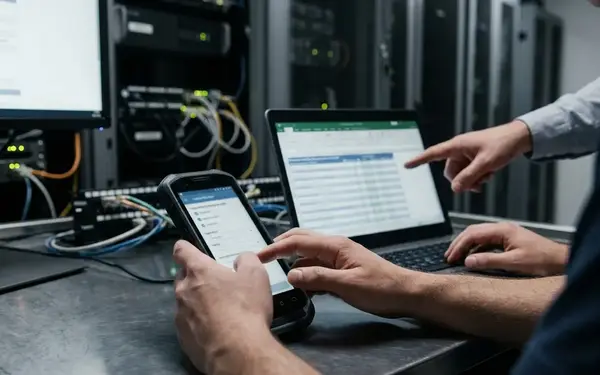
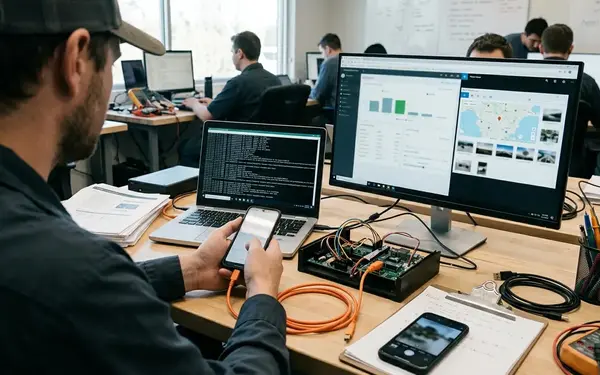
Inspect both the device queue and the server result. Compare record identifiers and change timestamps to find lost edits, duplicate submissions and conflicts. A sync-complete message describes the operation’s reported state, while the records show what it actually committed. Include an interrupted transfer, and repeat the sequence with a scanner when the supported workflow uses one.
State the boundary of the result in the run record. An emulator pass cannot validate cradle connectivity. A successful bench sync on one handset documents that route, not the behavior of a different scanner, radio or field network.
Write the run record while the bench is intact
The test record should let another engineer assemble the route and repeat the observation. Capture device and host identifiers, operating system and application versions, CAB checksum, certificate state, connection method, steps and outcome. Preserve error messages and relevant logs with timestamps, and remove sensitive field data before sharing the record.
Complete the record within 1 business day, while cable identifiers and transient messages can still be checked against the setup. If the device never connects, classify the run as blocked and name the failed connection dependency. If the CAB cannot install, record the completed connection checks before investigating deployment or trust state. Neither outcome should become an application defect without an application test.
Keep observations separate from interpretations. “File transfer failed after device detection” is more useful to the next person than “sync is broken,” because it identifies the last checkpoint that passed.
Keep one verified route from CAB to field sync
Schedule a recovery exercise every 4–8 weeks for a retained configuration, and repeat it after a host, cradle or device replacement. Restore the host environment, connect the identified device, install the archived CAB, make offline edits and confirm reconciliation. Record the host restore source, device identifier, CAB checksum and result.
When a component fails, mark its configuration unavailable in the inventory before choosing a substitute. The substitute needs its own recorded route; otherwise a passing run can appear to cover hardware it never exercised.
Prioritize one documented, routinely exercised end-to-end route over a larger collection of unverified legacy equipment.



Join the Conversation
Share your thoughts.
Your Comment