Enterprise Mobility Systems
Architecture, strategy, and operating models for mobilizing enterprise workflows across field service, retail, healthcare, and distributed environments.

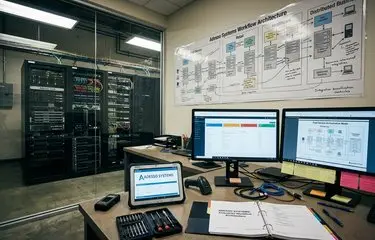
Adessosystems documents the architectures, product ideas, deployment patterns, and historical context behind offline-capable enterprise software associated with Adesso Systems and the Microsoft mobile era.
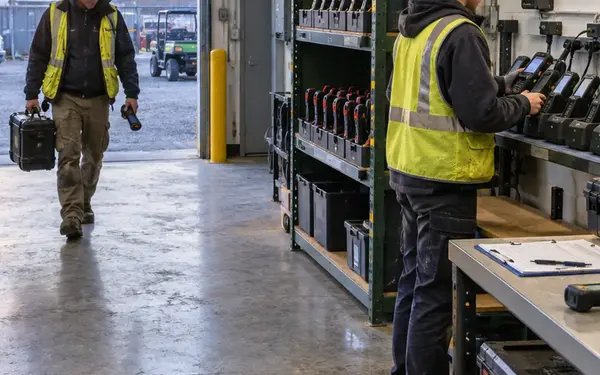
The hard problem was never just screen size. Enterprise teams had to move order capture, inspections, clinical support, inventory checks, and service reporting onto devices that disconnected often and carried limited storage. The archive treats those constraints as design inputs, not background trivia.
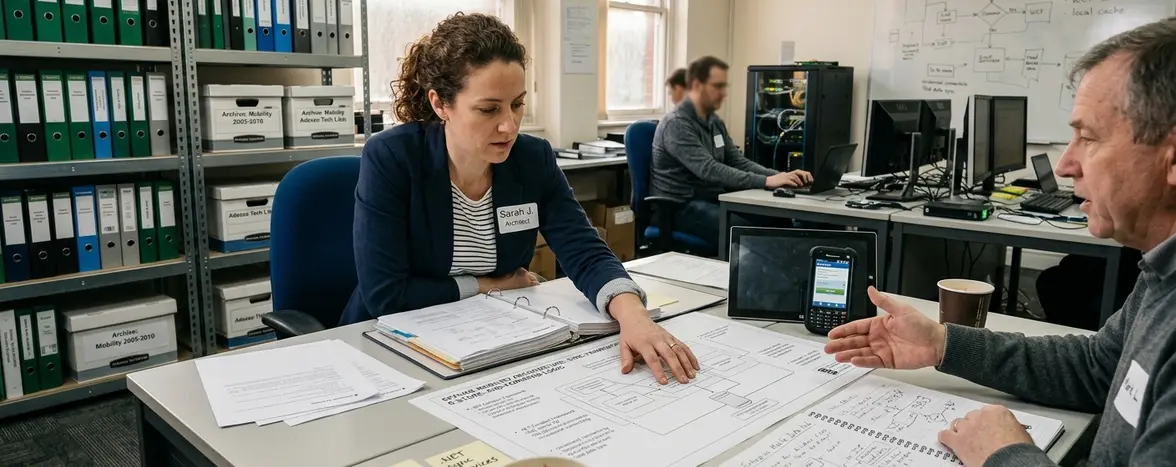
Our technical approach favors architecture notes, deployment patterns, migration context, and product lineage over broad nostalgia. A field-service dispatch workflow is a useful example: the mobile client needed local job data, predictable synchronization, and a way to resolve edits made by a technician and a dispatcher during the same outage window.
The most useful lessons from this era still come from storage design, synchronization boundaries, and user workflows under poor connectivity.
The archive is organized around implementation questions that software architects and technical researchers still ask when they study mobile enterprise systems.
Architecture, strategy, and operating models for mobilizing enterprise workflows across field service, retail, healthcare, and distributed environments.
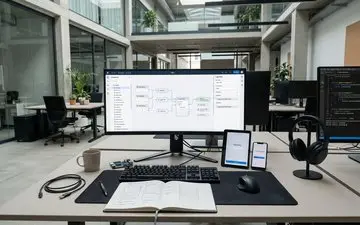
Model-driven approaches for designing, modifying, generating, and deploying business applications for mobile teams.
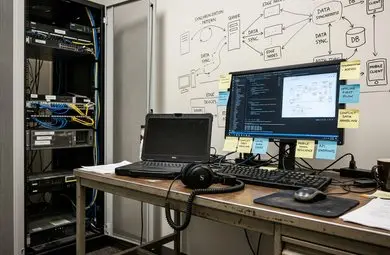
Patterns for offline-first workflows, synchronization, conflict handling, local data storage, and resilient mobile behavior.
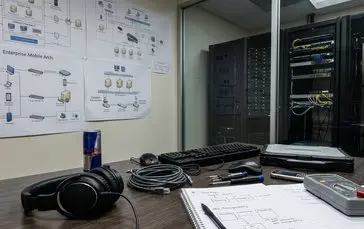
Applied guidance and historical analysis for Microsoft.NET, interoperability, threading, compact frameworks, and enterprise mobile architecture.

Sector-focused analysis of mobility adoption in field service, medical technology, facilities management, retail, and document-heavy organizations.
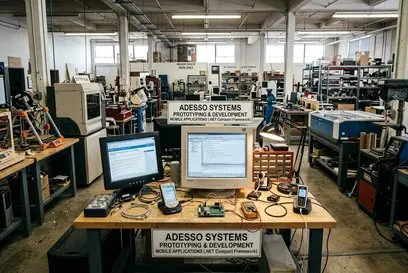
Historical context on Adesso Systems, product concepts, leadership, developer community work, and its role in the.NET mobility era.
The editorial work starts with architecture: what ran on the device, what lived on the server, what data moved between them, and what broke when the network disappeared.

Articles connect historical platform context with implementation detail. That means a migration guide may discuss Windows Mobile device support, while a.NET architecture note may focus on threading, data access, or interoperability choices that affected field applications.
This archive treats vendor-era material as technical context, not as a substitute for source code access. That boundary matters when reconstructing platform behavior from product documentation, deployment accounts, and developer-facing patterns.
Enterprise Mobility Strategy Analyst covering market positioning, deployment patterns, and enterprise mobility platform history.
.NET Mobile Solutions Architect focused on offline-capable.NET applications, synchronization design, and mobile enterprise architecture.
Mobile Performance Benchmark Engineer covering device constraints, offline data performance, and mobile application reliability.
Use the site as a technical reading room, not a product brochure. Start with the system behavior you need to understand, then move into the category that explains the surrounding platform choices.
If you are planning a migration from older handheld deployments, pair the Windows Mobile ecosystem material available through the site navigation with the article on legacy Windows Mobile migration planning. If your main concern is disconnected work, begin with offline-first architecture for occasionally connected applications and trace each decision back to storage, sync, and conflict handling.
Pick one real workflow before reading. A parts inspection route, a medication device service visit, or a facilities checklist will give the archive enough shape to make the technical patterns concrete.
Open the Occasionally Connected Applications section first, then map one current field workflow against its local storage, synchronization, and conflict-handling assumptions.
Evaluate tools and approaches.
Architect the solution.
Write clean, tested code.
Validate with automated and manual QA.
Deploy with monitoring and rollback plans.