
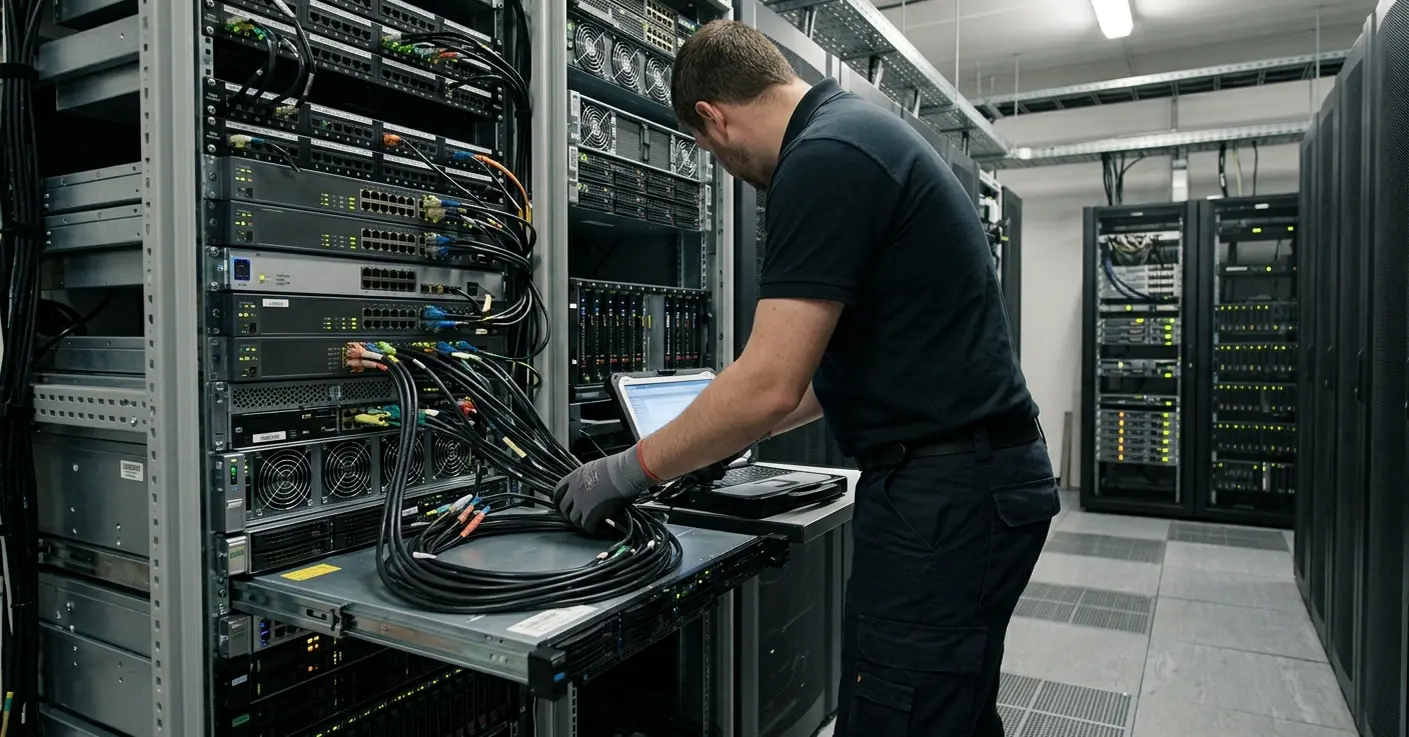
What Breaks First When Field Work Goes Mobile?
The mobile device is the last link in a document chain, not the center of it. That single reframing changes how a document-heavy field workflow gets designed, because the decision sequence starts with what the field worker must prove later, not with what fits on the screen today.
Most mobile projects that stall do not stall on form rendering. They stall on the messy reality of enterprise documents: partially complete, regulated, captured with a spotty signal, and expected to survive review weeks after the worker has moved on to the next job.
Task management is a comparatively simple problem. A document workflow is harder because the worker must collect signatures, attachments, exceptions, timestamps, and structured fields inside one packet, and each of those elements can fail independently. A representative field packet in this pattern carries a job or account identifier, somewhere between 10 and 40 structured fields, one to three signature captures, timestamped completion events, and a small attachment manifest for photos, scans, or exception documents.
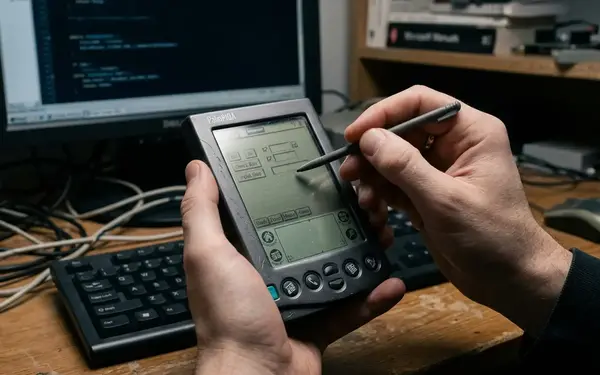
Consider where the trouble actually begins. It is rarely the display. The first visible break is the transition from partially completed field evidence into a complete, reviewable enterprise record. This analysis reads through a case-study lens rooted in the Adesso Systems era of occasionally connected enterprise applications and Microsoft.NET mobile development, a window running roughly from 2004 to 2008 when rugged handhelds, managed-code clients, local storage, and scheduled synchronization were common design assumptions.
Case Context: A Mobile Workflow Built Around Documents, Not Screens
The meaningful design decisions here sit above any single screen layout, which is why this reads as a deployment-pattern brief rather than a claim about one product build or a measured benchmark. The workflow is best reconstructed around packet movement: assign the work, capture the evidence, hold it locally, then sync and validate.
The operating environment is familiar to anyone who has supported branch or field teams. Inspection packets. Delivery acknowledgments. Service visit records. Regulated checklists. Branch intake forms. Exception-heavy compliance documents. These are document-first workflows where the paper trail is the point.
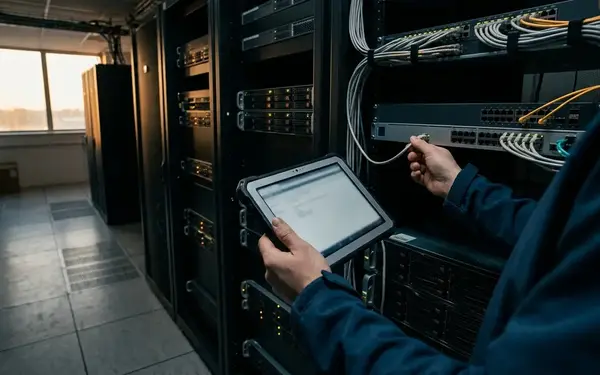
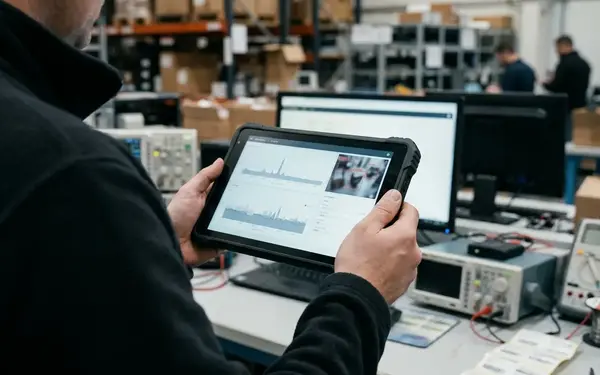
A field team would commonly need to hold work-in-progress records on the device across a half-shift or full-shift window, often 4 to 10 hours, before reliable synchronization became available. That gap is the whole story. The architecture belongs to the occasionally connected enterprise era: rugged handhelds or tablets, local relational stores, cradle or Wi-Fi synchronization, cellular fallback in some fleets, and server-side validation after submission.
None of that vocabulary has aged badly. The devices changed. The problem did not.
The Challenge: Paper-Grade Accountability on Unreliable Networks
A document has to satisfy four roles at the same time. It is a user interface the worker fills in, a business object the systems consume, a legal or operational record someone may lean on later, and an audit artifact that has to explain itself. Design around one of those roles and you break the other three.
The failure cases are specific and recognizable. A signed packet with a missing photo. Two field edits made against the same service record before either one synchronizes. A rejected inspection that shows no rejection reason on the device. A completed delivery document that reaches the back office after the route has already closed.
Timestamps carry more accountability weight than teams expect. A document captured at 09:20, edited again at 13:45, synchronized at 18:10, and reviewed the following morning generates four different times, and each one answers a different question. When was the evidence collected? When was it changed? When did the enterprise learn about it? When was it accepted?
A compliance form rejected by a supervisor must return to the field user with a reason and an editable state; otherwise the mobile workflow recreates the same ambiguity as paper.
Replacing paper with a mobile form does not solve this on its own. The workflow still depends on supervisor review, ERP or CRM record creation, invoice hold release, compliance archive storage, and manual exception resolution. The risk profile shifts by sector, device control policy, attachment volume, and how deeply the mobile workflow writes into systems of record, so the same form design can be safe in one fleet and dangerous in another.
Why the Core Decision Was Offline-First, Not Mobile-First
The core architectural decision came from ranking failure cost, not feature visibility. A thin online-entry model is attractive on a whiteboard because it is simple, but dead zones, warehouse coverage gaps, and full-shift offline windows turn simplicity into lost work. Designing around disconnection from the start beats treating it as an edge case that only shows up in the field.
Put the two approaches side by side. Thin online entry treats the server as the source of truth and the device as a window into it, which means every gap in coverage is a gap in the workflow. Local-first capture inverts that: the device record is authoritative until the server returns an explicit accepted, rejected, or superseded state.
The queue model does real work in this design. It has to separate at least three conditions: saved locally, pending transmission, and acknowledged by the server. Collapse those into one status and you manufacture false confidence, because a worker sees a green checkmark that only means the record touched the disk.
The Microsoft.NET mobile stacks of this period fit the decision well. Teams paired local data stores with service-based synchronization so enterprise developers could reuse the validation and integration patterns they already trusted. Managed code, local persistence, and service endpoints lined up with how these organizations already built software.
The Solution Pattern: Capture Locally, Sync Deliberately, Validate Centrally
The pattern assigns one responsibility to each layer. Mobile capture records intent and evidence. Local persistence protects unfinished work. The synchronization queue moves packets on its own schedule. Back-office validation decides what becomes an enterprise record.
Mobile capture
Capture should bind structured fields, document metadata, user identity, signature images, photo or scan references, device clock timestamps, and required-field checks into one packet before submission. The required-field check matters here because it is the last cheap moment to catch an incomplete record while the worker is still standing at the job.
Local persistence
Save drafts after meaningful field changes, not only at final submission. A battery swap, an application restart, or a dropped session should never erase work the user believes is already done. This one rule prevents a whole category of "I filled that in an hour ago" support calls.
The synchronization queue
Treat sync as a visible object, not a hidden side effect. A deliberate queue records the packet identifier, queue position, retry count, last attempt time, server acknowledgment, and failure reason. A delivery workflow with brief cellular gaps needs different retry behavior from a rural inspection workflow where the device may stay offline until the route ends, and only a visible queue lets you tune that difference.
A practical state machine can run on five visible states: draft, ready to sync, submitted, rejected, and accepted. Attachments deserve their own queue treatment, because a photo, scan, or signature image may transmit after the structured record. A packet should not be marked fully accepted until the attachment manifest is complete.
A signed inspection packet can still be unusable if the required photo transmits later, fails silently, and the server accepts the structured fields without validating the attachment manifest.
Operational Patterns That Made the Workflow Trustworthy
Trust came from designing for the abnormal record instead of hiding it. Exceptions get their own path, conflicts get a human owner, and both field evidence and review history stay preserved.
Exception capture should let a worker state why an item is unavailable rather than forcing a false completion: blocked access, customer unavailable, damaged label, missing part, unsafe condition, supervisor override requested. A recorded reason is data. A skipped field is a mystery someone has to solve later.
Conflicts are business events, not merge problems
Distinguish field-field conflicts from field-back-office conflicts. The first, two workers touching the same record, may go to a route lead. The second usually belongs to a supervisor or a records clerk. Either way, someone owns the resolution; the system should not silently pick a winner.
Auditability
Audit data should preserve the capture user, capture time, device identifier, sync time, reviewing user, review decision, rejection reason, and corrected fields. That set answers who, when, and what changed without a forensic reconstruction after the fact.
Quick Tip: Store the rejection reason on the device in an editable state the moment a supervisor sends a packet back. A rejection the worker cannot see or act on is just a lost document with extra steps.
Results: Fewer Workflow Gaps, Stronger Operational Visibility
This pattern does not ship with verified benchmark data, so the results are described qualitatively. The honest assessment focuses on observable operational signals: whether packets stop disappearing, whether the back office learns about problems sooner, and whether exceptions land in a queue someone actually works.
The expected outcomes are the mirror image of the failure cases. Fewer lost packets. Faster back-office awareness. Clearer exception queues. More field confidence. More consistent document status tracking. The mechanism behind all of them is the same: separating document state from network state, so a packet can be complete in the field while still pending transmission or central acceptance.
Do not take those outcomes on faith in your own deployment. Measure them. Track capture-to-submission elapsed time, rejected document count, sync retry count per packet, missing attachment incidents, exception age, manual rekeying volume, and the number of packets left in draft at shift end.
A useful review window is one route day plus the next business morning. That span exposes late synchronization, overnight validation failures, and unresolved exceptions before any of them turn into a billing or compliance problem.
Lessons for Today's Architects Rebuilding Similar Workflows
Translate the old synchronization problem into modern vocabulary and the shape stays intact. Mobile apps, progressive web apps, cloud sync, device management, and API-based integration all still confront the document-state problem. The tools moved on; the accountability requirements did not.
Map the lifecycle before choosing technology: draft, capture, attach, validate locally, queue, sync, review, reject, correct, accept, archive. Then decide conflict ownership up front, naming the field lead, supervisor, records clerk, integration support, or compliance reviewer who resolves each type before a line of code exists.
Note: Cloud-native tooling reduces server maintenance, but it does not remove the need to define offline save rules, attachment retry behavior, document state visibility, and audit retention paths. Over-modernize the lesson and you rebuild the same silent-failure problem on managed infrastructure.
Treat the mobile document workflow as an operational control system: evidence preservation, state transition rules, recovery paths, and system-of-record integration. Start your next design session by writing down every document state visible to the field user and the back office, then draw the exact transition where a locally saved record becomes ready to sync. If those two artifacts do not exist on paper before development starts, build them first.










Join the Conversation
Share your thoughts.
Your Comment