A barcode scan that succeeds in a conference-room demo can fail at bedside when the wristband is curved, the room is dim, the clinician is wearing gloves, and the network drops before user attribution is committed.
That is the difference between a mobile feature and a healthcare mobility system. The visible task may look small: scan a patient wristband, confirm a task, save a record. The deployment problem sits underneath it, where clinical workflow, endpoint reliability, identity proofing, protected data handling, audit capture, update control, and support escalation all meet at the same moment.
This guide treats healthcare mobility as an operating system problem in the broad sense, not as a handset selection exercise. A medication cart at bedside, a home-care visit with weak cellular signal, a basement imaging suite, and a device service area where biomedical staff wear gloves all create different constraints. The application has to survive those constraints without hiding risk from the user.
Note: This is a deployment guide, not legal, regulatory, or clinical advice. Local governance, compliance review, and clinical safety review still decide requirements, especially when an app moves from administrative support into diagnosis, therapy recommendation, alarm handling, or direct device control.
Start With the Clinical Workflow, Not the Device
Map the clinical moment before platform selection
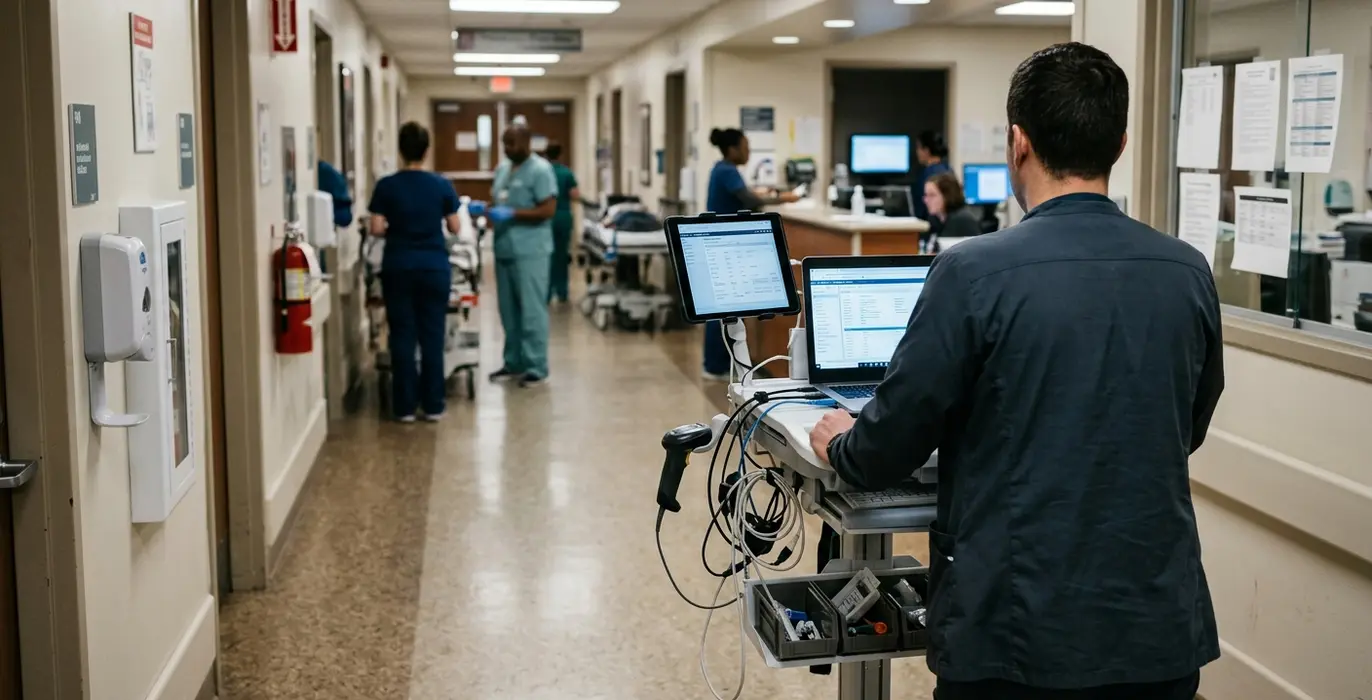
I start healthcare mobility planning with the moment of use, not the device catalog. Who holds the device? Is the patient in bed, seated, in transit, or off-site? Does the clinician have both hands free? What interrupts the task: an alarm, another patient, a family question, a call from the desk, a glove change?
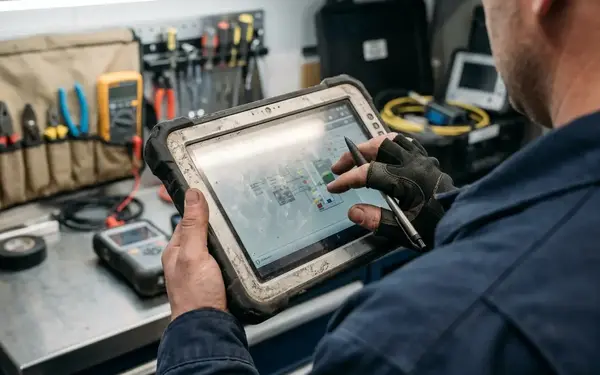
Those details change the technical design. A bedside data capture workflow may need large touch targets and immediate identity confirmation. An ambulance handoff may need capture-only behavior until a stable connection returns. A technician servicing medical equipment may need a rugged handheld that tolerates gloves, poor lighting, and repeated pairing with gateway hardware.
Teams should observe at least one start-of-shift period, one handoff period, and one high-interruption period such as medication rounds or discharge preparation. That small set of observations usually exposes timing, custody, and fallback questions that never appear in a conference-room requirements session.
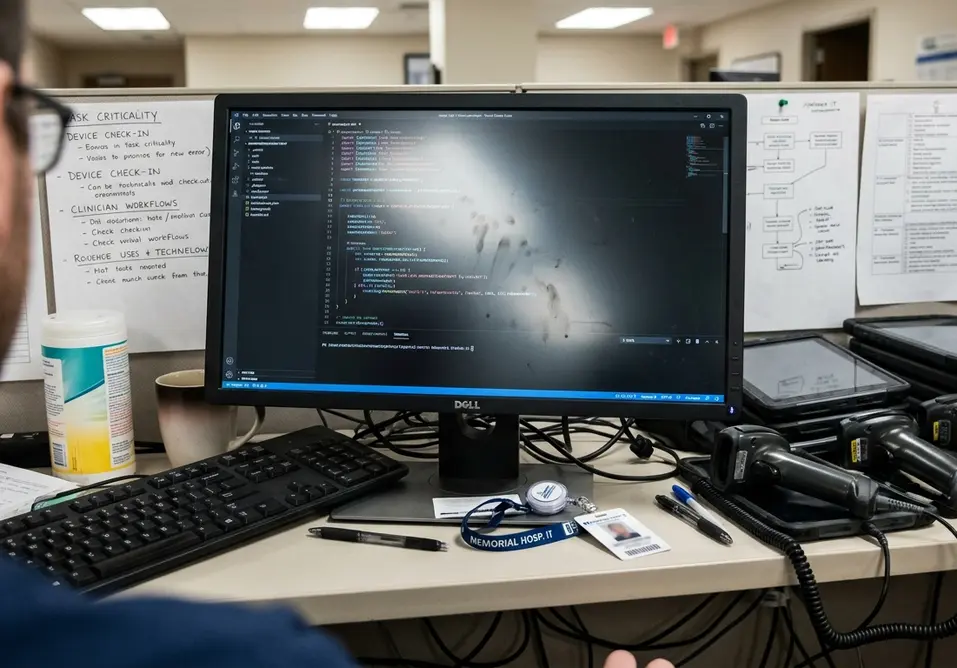
Document task criticality
Before selecting phones, tablets, scanners, or ruggedized hardware, classify what the workflow affects. Diagnosis, therapy, escalation, device operation, billing support, inventory tracking, and convenience messaging do not carry the same operational weight.
For medication administration, record the expected fallback if scan, identity, or network confirmation fails.
For home monitoring, define whether delayed upload is acceptable or whether the user must be told that the reading is not current.
For ambulance handoff, decide what can be captured locally and what must wait for system confirmation.
For technician servicing, separate maintenance documentation from any action that changes device behavior.
Quick Tip: Separate convenience workflows from workflows that influence diagnosis, therapy, escalation, or medical-device operation before platform selection begins.
Choose Hardware and Platforms Around Operational Reality
Compare endpoints by how they are handled
Consumer smartphones can work well for clinician-owned companion access or patient-facing reminders, but they are usually weak candidates for shared, disinfected, shift-managed workflows. Managed tablets fit room-based documentation, carts, and kiosks, especially where screen size matters. Rugged handhelds earn their place when barcode capture, gloves, drops, and long replacement cycles matter more than aesthetics.
Carts and kiosks solve some problems while creating others. They reduce pocket carry and may simplify charging, but they can force awkward bedside angles. Device-adjacent displays can reduce transcription work near connected equipment, yet they need careful custody, update, and access control.
Screen testing should include dim patient-room lighting, bright corridor lighting, and bedside angles where the device sits below eye level. Battery planning needs a full shift scenario, a missed-charge scenario, and a handoff scenario where one device passes to another user before recharge. These are ordinary failures, not edge cases.
Validate the platform management path
The platform decision also includes MDM enrollment path, certificate renewal, OS update deferral policy, private app distribution, audit log export, remote wipe, and device retirement. If those controls are not ready, the pilot may succeed technically and still fail operationally.
.NET and shared-code approaches can reduce duplicate business logic across mobile platforms. They do not remove the need for platform-specific testing. Camera permissions, Bluetooth behavior, background execution, secure storage, and notification handling still differ enough to affect clinical workflows.
During testing, a shared tablet that looked acceptable for cart documentation became a weaker fit for a medication workflow because session timeout, role switching, and audit attribution needed tighter sequencing than the general documentation use case required.
Design Security Around Shared Spaces and Fast Decisions
Security is more than encryption
Healthcare mobile security starts with identity under pressure. Clinicians move room to room. Temporary agency staff may work a short assignment. Biomedical technicians service equipment under a different access model. Patients use companion apps outside the facility. Third-party service teams may need narrow, time-bound access.
Encryption matters, but it is only one control. The system also needs role-based access, session timeout, re-authentication triggers, device sharing rules, lost-device handling, audit trails, and emergency access paths. A shared tablet may be acceptable for a cart-based documentation workflow but unsafe for a medication or device-control workflow if session timeout, role switching, and audit attribution are not explicit.
Note: Do not rely on a device passcode alone when protected health information, medication workflows, alarm acknowledgement, or device-control functions are present.
Define local data classes and purge triggers
Minimize local storage by naming what can exist on the endpoint. Useful cache classes include active task data, patient demographic summary, device reading queue, media attachment, and audit event buffer. Each class should have its own retention rule.
Purge triggers should include logout, role change, device unenrollment, failed integrity check, elapsed cache window, and explicit remote wipe command. This is where many mobile designs get vague. A statement like “cache securely” does not tell support staff what happens when a device is lost mid-shift or when a temporary account expires.
Plan for Offline Use Before the First Pilot
Occasionally connected work never disappeared
The enterprise mobility archive keeps returning to one old lesson: occasionally connected applications remain relevant because buildings, routes, basements, elevators, and field visits still break network assumptions. Healthcare adds tighter consequences around identity, timing, auditability, and safety.
Offline queuing can preserve home-care documentation, but the same pattern can create unsafe ambiguity for device readings or medication changes unless timestamps, provenance, and conflict ownership are designed in advance.
Classify every workflow state before the pilot: read-only, capture-only, queue-and-sync, locally alerting, supervisor-required, or locked until connection returns. A home-care note may tolerate queue-and-sync. A medication change may require supervisor review or lockout. A device reading may need local display with a clear “not yet transmitted” state.
Make synchronization rules explicit
Synchronization rules should name the patient identifier source, device identifier, user identity, local timestamp, server receipt timestamp, conflict owner, and reconciliation status. Retaining only the final saved value is not enough when the timing of the event matters.
Offline test routes should include an elevator transition, a basement or shielded area, a building exit, and a mobile handoff scenario such as a vehicle or home-care route. The route matters because the user experience often degrades in fragments: first slow lookup, then queued write, then uncertain confirmation.
Before you build any of this, run one offline route on real hardware and watch what happens to a queued medication change when the network returns mid-write — that single test usually settles the conflict-ownership and timestamp questions faster than a design meeting will.
Treat Medical-Device Integration as a Boundary Problem
Classify what the app actually does
Draw the integration boundary before writing interface code. An app that displays information is not the same as an app that collects readings from a device. An app that supports documentation is not the same as an app that influences clinical interpretation, alarm acknowledgement, or device behavior.
The boundary affects testing, review, labeling, and support ownership. The FDA guidance on mobile medical applications is the right external reference point, but classification still depends on intended use, claims, functionality, and clinical context. A narrow documentation app and a device-control app should not share the same risk model.
Document integration mechanics
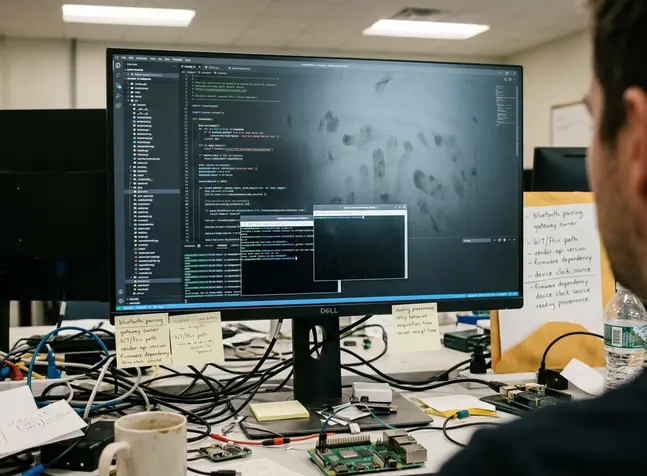
Integration details need names, owners, and failure behavior. Document the Bluetooth pairing process, gateway ownership, HL7 or FHIR interface path, vendor API version, firmware dependency, device clock source, reading provenance, and retry behavior.
For device readings, retain both acquisition time and server receipt time so delayed synchronization does not masquerade as real-time monitoring. Alarm-related workflows need sharper questions: who receives the alert, who can acknowledge it, whether acknowledgement travels back to the device or only to the mobile record, and what happens if the mobile endpoint is offline.
This is a boundary problem because the mobile app, medical device, gateway, network, and record system may all be correct in isolation while the combined workflow still misleads the user.
Validate in the Places Where the System Will Fail
Move beyond the development lab
Functional tests prove that the happy path exists. They do not prove that the system can survive a ward.
Validation should include dim rooms, noisy areas, gloved hands, weak Wi-Fi, low battery, shift changes, cart docking stations, and device handoffs. Test identity switching, offline capture, sync conflict handling, Bluetooth or gateway pairing, update deployment, rollback, remote wipe, and support-ticket routing.
Pilot plans should include representative users from day shift, night shift, support staff, and at least one role that performs exceptions rather than routine tasks. Exception handlers expose the real support model. They find the queued transaction that looks committed, the device that missed its certificate renewal, and the Bluetooth pairing step that only fails after a cart has moved rooms.
Plan pilot evidence before rollout
Training material should cover normal use, interrupted use, lost device response, downtime procedure, and how to identify whether a transaction is queued or committed. The pilot should also have support escalation, rollback paths, training revision control, and post-pilot issue triage.
Quick Tip: Test identity, offline behavior, device pairing, data reconciliation, update deployment, and support procedures before scale-up.
Reliability evidence should come from observed operational behavior, not only successful functional tests. Keep the issue log, rollback decision record, training revisions, unresolved defect list, support escalation path, and post-pilot configuration baseline. Those artifacts make the deployment repeatable instead of anecdotal.
A Practical Deployment Brief for Healthcare Mobility Teams
Use a decision sequence
A practical healthcare mobility plan moves in this order: workflow, risk level, platform, identity, data handling, offline behavior, integration boundary, pilot evidence, support readiness, and rollout control. Skipping ahead to hardware or framework choice makes the design look faster while pushing risk into the pilot.
The same design pressures seen in enterprise mobility and occasionally connected applications still appear here. Healthcare simply gives them less room to fail quietly. Identity has to be attributable. Timing has to be clear. Audit capture has to survive interruptions. Support has to know whether the endpoint, account, network, interface, or source device is responsible for the failure.
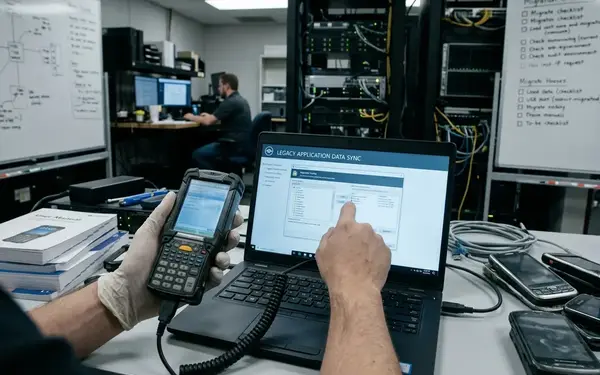
For a team using rApps, Ads Systems documentation practices, or older enterprise mobility patterns, the useful lesson is not nostalgia. It is discipline around assumptions. Legacy mobile systems were often built around device limits, unreliable connections, and synchronization rules because they had no choice; healthcare mobility still benefits from that style of explicit design.
Write the clinical workflow as observed, not as imagined in the demo.
Assign risk by what the task influences: care decision, device behavior, escalation, recordkeeping, or convenience.
Select hardware only after infection control, battery, visibility, gloves, charging, and replacement cycles are understood.
Define identity, cache classes, purge triggers, and audit capture before storing protected data locally.
Classify offline behavior and synchronization ownership before the first pilot route.
Draw the medical-device integration boundary before interface development.
Retain pilot evidence that support and operations can use during rollout.
Start the next planning session by documenting one real clinical workflow from handoff to completion, including interruptions, fallback behavior, identity changes, and network loss points, then test that exact sequence in the care setting where the mobile system will run.









Join the Conversation
Share your thoughts.
Your Comment