
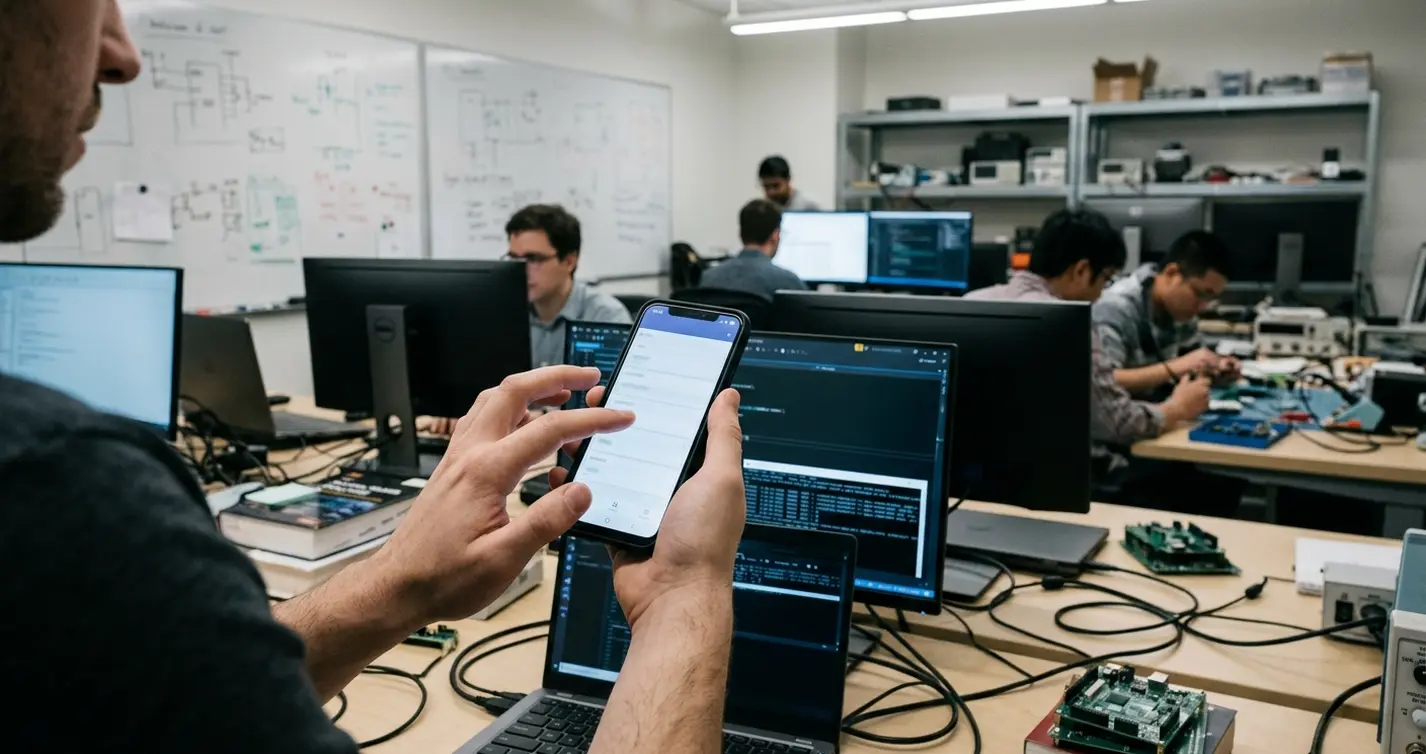
Why Mobile.NET Threading Breaks Before the Code Looks Wrong
A mobile.NET app can pass code review and still fall apart in a stairwell.
The handler awaits the service call. The exception path catches transport errors. The save routine locks the queue before it writes. None of that proves the application will stay usable when a field user taps Save, loses network service, moves to another screen, and returns before the previous operation has finished.
Where review stops being predictive
The problem is overlap. User input, local storage delay, transport latency, and lifecycle events collide in ways a clean desktop test rarely exposes. In enterprise handheld workflows, that overlap shows up as frozen forms, stale sync badges, duplicate submissions, and records whose local state no longer matches the outbox.

For modern touch interfaces, a 60 Hz screen has roughly 16.7 ms between frames. Any blocking operation on the UI thread that routinely exceeds that budget can make the interface feel stuck before an operating system reports an application-not-responding condition.
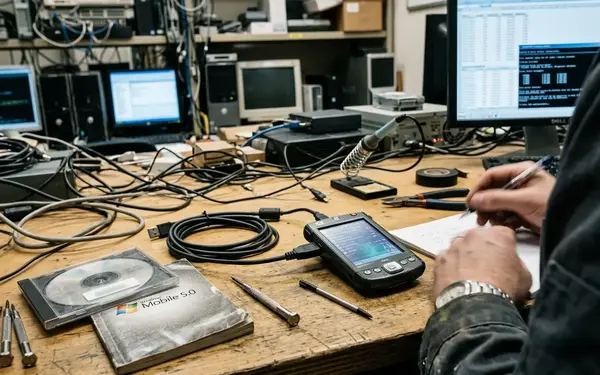
Legacy mobile.NET deployments from the late-2000s through mid-2010s had the same architecture pressure with fewer task abstractions and more explicit worker management. A rApps-era inspection screen for arc welding notes, for example, could look simple while still combining scanner input, local persistence, attachment handling, and deferred synchronization.
Note: The threading principles carry across mobile.NET generations, but dispatcher APIs, lifecycle callbacks, background execution limits, and storage APIs need to be checked against the target runtime and device framework.
This article stays practical: decide what belongs on the UI thread, move blocking work into controlled background execution, and define how threads communicate without sharing mutable state casually.
Start by Protecting the UI Thread
Start the design pass by listing every operation launched from a button, menu item, scanner trigger, navigation event, or form load. That list usually explains the freeze before a profiler does.
Keep the UI thread narrow
The UI thread should handle rendering, input acknowledgement, validation messages, and lightweight state transitions. It should not run database synchronization, file parsing, remote service calls, image handling, encryption, serialization, or device I/O.
The first 300-500 ms after a tap are the review point I care about. The screen should acknowledge the action, disable duplicate submission if needed, and show a pending state. If nothing changes visually, users will tap again because the application appears dead.
A progress indicator that is started after a synchronous upload begins may never repaint because the UI thread is already blocked. Put the pending state on screen before the blocking work starts.
Decision rule
- If an operation can wait on network transport, make it background work.
- If it can wait on local storage, make it background work.
- If it parses files, packages attachments, serializes records, encrypts payloads, or talks to device hardware, make it background work from the first screen design.
- If it only updates labels, enables controls, records a small view state, or validates an already-loaded field, it can usually remain on the UI thread.
Quick Tip: Treat UI responsiveness as a functional requirement. A Save button that blocks input without acknowledgement is not merely slow; it changes user behavior.
Move Work Off the UI Thread Without Creating Thread Sprawl
Moving work into the background is necessary. Creating a raw thread for every button press, scan, upload, report, and retry is not.
Choose background work by ownership and lifetime
Short operations tied to a screen can use a screen-owned task or worker with cancellation. Longer synchronization or upload work usually belongs to a session service, sync service, or upload queue that outlives a single form.
Appropriate candidates include queued uploads, server synchronization, local database compaction or cleanup, barcode decode post-processing, sensor aggregation, report generation, attachment packaging, and document generation. A plasma arc cutting inspection report with photos and measurements should not be assembled on the same thread responsible for tap feedback.
Use a small managed worker pattern in older stacks
In legacy-style managed mobile applications, a small fixed worker pattern is often easier to reason about than loose thread creation. Each long-running operation should carry an operation ID, a cancellation signal, a start timestamp, a last-progress timestamp, and an owner name such as screen, session, sync service, or upload queue.
That metadata matters when a failure report says, “I saved, left the screen, came back, and sync was still spinning.” Without ownership and timestamps, the team has a symptom, not a trace.
Trade-off: less concurrency, better control
Uncontrolled concurrency can increase context switching and battery pressure on resource-constrained devices. Immediate tight retry loops are especially rough because they can keep the radio, storage, and CPU active while the user is trying to keep working.
A useful retry window for mobile transport failures is often measured in seconds to minutes. That is a workflow decision, not just a thread scheduling decision.
Marshal Results Back to the UI Deliberately
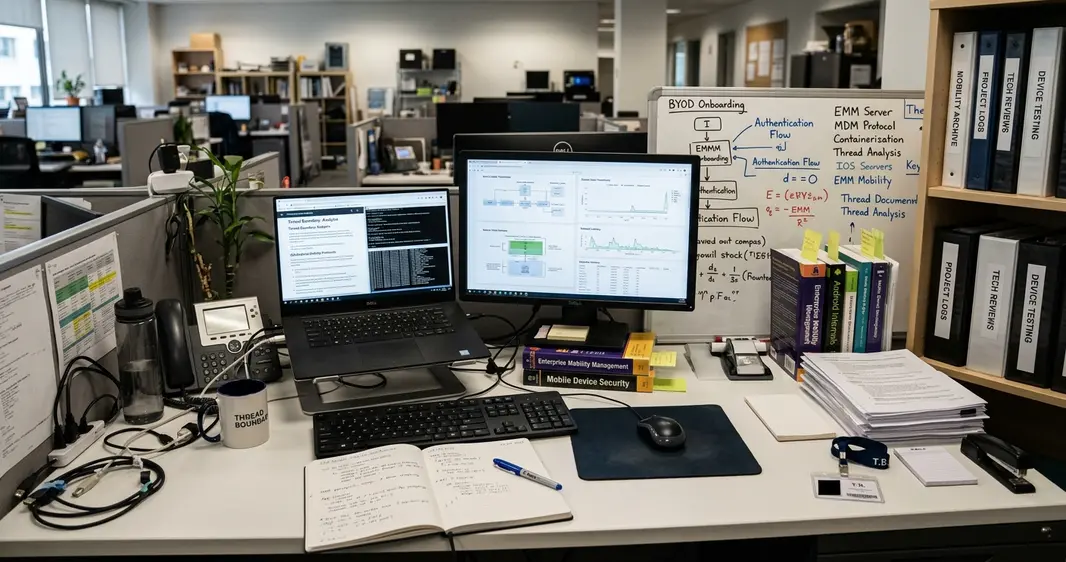
Background threads should not update controls directly. Define the thread boundary as a message boundary, not as a shared-object shortcut.
Package small result objects
The worker performs transport, parsing, persistence, or computation. When it finishes, it packages a compact result and posts that result through the platform’s UI dispatch mechanism. The UI callback renders the result and updates screen state.
The object crossing from worker to UI should contain final values, a progress label, a domain error code, a cancellation flag, or a small view model snapshot. Avoid passing live collections, open data readers, mutable record caches, or device handles into UI code.
Keep callbacks boring
UI callbacks should normally do presentation work: set labels, enable or disable controls, bind a completed result, show a recoverable error, or navigate after confirmed completion. If a worker reports progress frequently, coalesce messages so the UI is not asked to repaint for every row, packet, or byte-range update.
A background sync worker that owns a disposed form can attempt to update controls after navigation, causing crashes or silent state loss depending on the runtime. The fix is not a larger try-catch block. The fix is ownership: the worker reports to a valid dispatcher target, and the screen subscribes only while it is alive.
Control Shared State Before Synchronization Bugs Become Random
Most mobile enterprise apps share state because they have to: offline queues, authentication tokens, current user metadata, route context, sync status, cached records, attachment manifests, scanner session state, and retry counters all need coordination.
Reduce sharing first
Before adding locks, inventory ownership. Which component owns the offline queue? Which component can refresh the token? Which component can mark a record as submitting? If ownership is unclear, reduce sharing by copying values, publishing immutable snapshots, or routing changes through one component.
Locks and synchronization primitives still have a place. Use them where shared access is unavoidable, but keep critical sections limited to in-memory reads or writes.
Lock design rules
- Do not hold a lock while waiting on a network call.
- Do not hold a lock while using a file stream, database transaction, modal dialog, or UI dispatch callback.
- Document lock order when more than one resource can be acquired, such as queue state before cache state.
- Never reverse that order in a retry path or error handler.
A lock around an offline queue can become a deadlock source if the same code path waits for a UI confirmation while the UI thread is waiting for the queue lock. That kind of bug reads as random because timing decides whether it appears.
Summary: Shared state is a design problem before it is a locking problem. Clarify ownership, narrow the mutable surface, then synchronize the small portion that remains.
Design Threading Around Offline Work and Synchronization
Occasionally connected applications need concurrency rules because users keep working while synchronization happens. Treat sync as a coordinated workflow, not as a single background thread.
Use case: field inspection without service
A field inspection flow can save text notes locally, record photo metadata immediately, place the image upload into a queue, and allow the technician to continue editing while network service is unavailable. The local save protects productivity. Remote submission belongs to sync status, outbox, or activity history.
Useful record states include local-draft, queued-for-submit, submitting, submitted, failed-retryable, failed-needs-review, and conflict-detected. Those states make the transport layer observable without blocking input.
Code walkthrough pattern
onSaveTap: disable duplicate submit show pending local save validate loaded fields persist local record with state = queued-for-submit enqueue transport work with operation ID return control to the screen syncWorker: load next queued item mark item as submitting attempt remote submission write submitted, failed-retryable, or conflict-detected publish compact status message to UIThe important separation is between user actions and transport actions. Saving locally should be fast and predictable. Remote submission can happen later through a controlled worker.
Conflict data to preserve
Conflict handling should preserve the local version, the remote version identifier, the attempted operation, and the time the conflict was detected. When a conflict lands, write those four fields to the outbox record and surface it as conflict-detected on the next screen load, so the technician resolves it against the queued item rather than the sync thread guessing a business outcome mid-form.
Test Threads the Way Mobile Users Actually Break Them
Clean success-path tests rarely expose threading defects. Build tests around interruption sequences.
Stress the lifecycle
Run manual stress passes that repeat the same workflow 20-30 times with variation: tap Save twice, navigate away during save, rotate or recreate the screen if the platform supports it, suspend the device, resume, then trigger sync again.
Test slow network behavior with response delays in the 2-15 second range and with outright transport failure. Delays expose stale UI state and cancellation problems. Hard failures expose retry loops, queue ownership mistakes, and incomplete state transitions.
Log the thread story
Log operation ID, owner component, start time, completion time, cancellation request time, current thread or dispatcher context, queue item ID, and final state. That set of fields lets developers reconstruct whether the failure came from background work, UI marshalling, or shared state.
Include a low-power or constrained-device pass when the target fleet includes older handhelds, shared devices, or devices with aggressive background execution limits. During testing, I give repeated interruption more weight than one polished happy path because timing bugs often need friction before they show themselves.
Mobile.NET Threading Review Checklist
- UI thread handles rendering, input acknowledgement, and lightweight state transitions only.
- Blocking work involving network, storage, serialization, encryption, or device I/O is assigned to a background task or managed worker.
- Long-running work carries operation ID, owner, cancellation signal, and progress timestamps.
- Workers post compact results through the UI dispatcher instead of touching controls directly.
- Shared queues, tokens, caches, and session flags have documented ownership.
- Locks avoid network calls, file operations, database waits, modal dialogs, and UI dispatch callbacks.
- Offline save completion is separated from remote submission completion.
- Stress tests include slow network, cancellation, navigation, suspend and resume, repeated taps, retries, and constrained-device behavior.
Sources & References
References belong after the implementation guidance because threading failures are diagnosed in code paths first and documentation second.
Bibliography
- Microsoft managed threading best practices for general.NET concepts including background work, synchronization primitives, locking, cancellation, and marshaling work back to a UI context.
- Verify platform details for the selected mobile runtime, especially dispatcher APIs, lifecycle events, background execution limits, local storage behavior, and network retry facilities.
- For archival coverage, distinguish legacy compact mobile runtimes from later mobile.NET stacks: the architectural guidance is similar, while the available abstractions differ.
Before the next release, pick one high-traffic mobile workflow and trace every tap-triggered operation into one of three buckets: UI thread, controlled worker, or synchronized shared state.







Join the Conversation
Share your thoughts.
Your Comment