
Three Releases Behind in a Basement Equipment Room
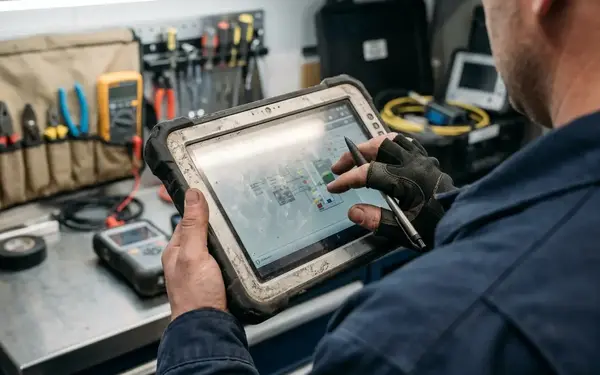
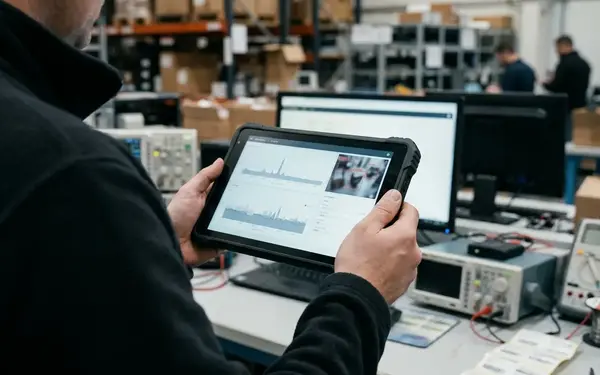
The inspection is finished. The technician is standing beside a chiller in a basement equipment room with concrete overhead and no signal, and the tablet has done exactly what it was built to do: captured the readings, written them locally, and queued an outbound record that the server has never seen. That record is the only copy of the morning's work.
The complication arrives at the depot. The tablet has missed three application releases, and before synchronization can resume, the local database has to be brought forward. The upgrade does not start from "the previous release" because the previous release never ran here. It starts from the schema version physically installed on this device, which may be several steps behind whatever the build server considers current.
That distinction drives everything that follows. A field database upgrade is a four-step sequence: read the installed schema version, protect unsent work, apply the migrations that version actually needs, then resume synchronization. Collapse any of those steps and the inspection in the queue becomes collateral damage.
Reading the Tablet Before Touching the Schema
The first operation on a field database should be a read, not a write. Open the schema version record and the migration ledger, confirm what the device believes about itself, and only then decide whether the store is ready to accept writes.
Four categories of state need an inventory before anything changes:
- Inspection rows and other locally captured work
- Outbound queue entries awaiting transmission and acknowledgment
- Cached reference data that the application reads but does not own
- Inbound batches whose processing cursor has not reached the end of the payload
Keep the application release identifier in a different field from the local schema version. A release can ship new screens, a new sync endpoint, and a dozen bug fixes while leaving the schema untouched, and conflating the two numbers produces upgrades that run migrations nobody needed and skip the ones they did.
The release manifest should also name the oldest supported starting schema. When a tablet turns up below that floor, the answer is not improvisation at the service counter. Preserve a recoverable copy of the unsent work first, then repair or re-provision.
Before The First Write
Treat the migration ledger as evidence. If it shows a migration that started and never recorded completion, the correct next move is an integrity check, not a retry.
A Manifest That Knows Version 2 Still Exists
Migrations should be selected by installed schema version and applied in dependency order. A database sitting at version 2 reaches version 5 by running 2→3, then 3→4, then 4→5, in that order, regardless of whether the tablet ever executed the application releases those migrations originally shipped with. The schema chain is continuous even when the release history has holes in it.
Each manifest entry carries an ordered migration ID, a source and destination schema version, its dependencies, and a recorded checksum of the shipped migration. The checksum matters because migrations get corrected. When one needs fixing, publish a new entry; rewriting the bytes of a migration that already ran on fielded devices leaves two populations with the same recorded ID and different tables.
Every step runs with both ends checked. Verify the expected starting schema, apply the change, validate that the resulting tables and indexes match what the migration promised, and record completion only after that validation passes. A migration that writes its own completion record before checking its work has turned the ledger into fiction.
The Inspection and Its Queue Entry Are Two Things
Pause local writes and synchronization for the duration. Then account separately for the pieces, because the tablet is holding three distinct kinds of state: the inspection row that will be migrated, the unsent outbound envelope representing that inspection, and any inbound batch stopped partway through processing. They travel together and they fail independently.
Where the installed database engine makes the required schema and data operations atomic, wrap them in a single transaction. Where it does not, the alternative is a verified staged copy and an explicit switch-over procedure with a defined point of no return. Verification comes before the switch, not after it.
Additive changes are the gentle case and deserve the pattern. Introduce an inspection field as nullable, ship it, backfill it, and only require it in a later release once the field population has caught up. Through all of that, each queued operation ID keeps its identity and its association with the inspection it represents.
Never Overwrite Later Work
Restoring a pre-upgrade copy over a database that has captured new field work since that copy was taken is data loss with a backup's reputation. Crossing from schema 2 to schema 5 does not authorize discarding a version-2 outbound inspection either.
Yesterday's Payload, Today's Tables

Local schema migration and sync-contract conversion are separate decisions that happen to occur on the same afternoon. The inspection row can move to the current schema for local display and editing while its queued outbound envelope retains the original representation it was built with, until the server acknowledges it.
Keeping the queued operation ID stable across local row changes is what makes a retry after reconnection safe. The server sees the same duplicate-handling key it would have seen three releases ago, and an inspection accepted once stays accepted once.
Delayed inbound data gets the mirror treatment: parse by payload version, with explicit defaults for fields that older payloads never carried. An unsupported payload is rejected and reported; it is never a reason to clear local edits. Field retirement waits until the declared offline window and its outstanding queued payloads are both covered by policy.
Fixtures for Skipped Versions and Late Reconnection
Build test databases from every supported starting schema, not just the most recent one. Two fixtures earn their keep immediately: a store holding unsent inspections, and a store with an inbound batch halted at a saved processing cursor.
The upgrade paths worth exercising are the awkward ones. Skipped releases. Interruption and restart at each migration boundary. Low storage during a staged copy. A post-migration validation that deliberately fails. Delayed-reconnection fixtures spanning 24–72 hours belong in the suite as scenarios, though they describe test coverage rather than a claim about how long any particular deployment should expect devices to survive offline; that number comes from release policy and the work the crews actually do.
Verification after reconnection goes past structure. Compare the recoverable pre-upgrade inspections and queue entries against the upgraded store, then check inspection identity, outbound queue order, duplicate handling, and acknowledgment state. Confirming the new tables exist proves the migration ran; it proves nothing about the morning's inspection.
Shipping With a Route Back for Stranded Tablets
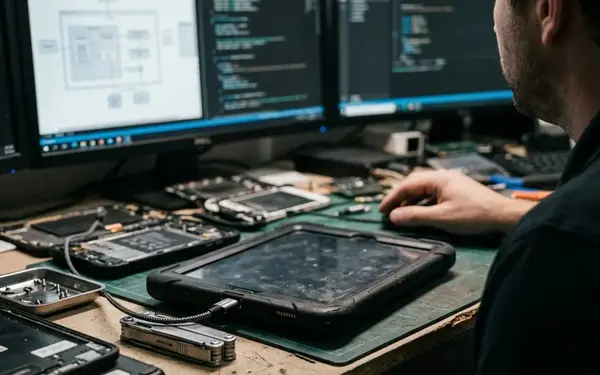
Publish the minimum supported schema with the release, and make migration failures identifiable from the support desk rather than inferable from a user's description. Support staff need a decision path with an order to it: read the migration ledger and integrity state first, retry only when that state supports a retry, and when the store cannot be repaired safely, export the recoverable work before rebuilding.
A recovery export that lists database tables has missed the point. It needs inspection content, queued operation IDs, and acknowledgment state, because those are the three things that let the work be re-established rather than retyped.
What Ships With The Build
Minimum supported schema, an identifiable failure signal, and a documented export path. A migration plan without a recovery route is a plan for the devices that behave.
Back at the depot, the technician sets the tablet on the bench and it finds the network. The migration ledger shows three steps applied and validated. The queued inspection goes out under the operation ID it was born with, the server acknowledges it once, and the acknowledgment lands in the local store. The technician taps into the next job, and the equipment list, the site notes, and the readings from the basement are all still there.






Join the Conversation
Share your thoughts.
Your Comment