Why a 2005 mobile platform still explains enterprise mobility
The platform layer: Windows CE, Pocket PCs, and enterprise handhelds
The application runtime:.NET Compact Framework and native code side by side
Synchronization as the central subsystem
Provisioning, security, and support before modern MDM
Where the platform fit, and where it did not
Lessons modern architects can still use
Why a 2005 Mobile Platform Still Explains Enterprise Mobility
Windows Mobile 5.0 was not simply a smartphone operating system; in enterprise settings it functioned as a node in a broader software stack.
That distinction matters because most field deployments in the 2005-2008 enterprise mobility window did not begin with a consumer handset question. They began with work that had to leave the office: delivery confirmation, stock counts, repair notes, inspection answers, signatures, and barcode scans. The device collected the transaction, but the value came from what happened before and after that moment.
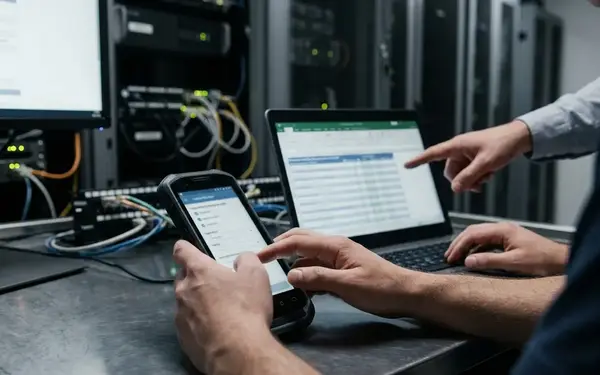
The technical reality was less tidy. Networks dropped. Batteries failed. Rugged devices outlasted their cradles. Server-side synchronization carried business rules that the screen never revealed. A route driver might submit batches over cellular data at a fuel stop; a warehouse picker might sync over Wi-Fi during a shift; a depot worker might still place the unit into a cradle at the end of the day.
This article treats Windows Mobile 5.0 as an enterprise software architecture case study, not as a nostalgia object. The useful boundary is the system boundary: device OS, application runtime, local persistence, sync middleware, identity, transport security, device operations, and back-office adapters.
Summary: The platform’s enterprise value usually came less from the Today screen or phone features than from managed code, local storage, directory-integrated identity, synchronization services, and the systems that accepted the final transaction.
The Platform Layer: Windows CE, Pocket PCs, and Enterprise Handhelds
Operating system base before device form factor
Windows Mobile 5.0 sat on Windows CE 5.0 foundations. That made it part of a wider embedded operating system lineage, even when commercial packaging presented it as a mobile product family for Pocket PC, Phone Edition, and handheld enterprise use.
The distinction was practical. A Pocket PC used by a supervisor, a phone-enabled route device, and a rugged warehouse terminal could share development assumptions while differing sharply in screen durability, radio behavior, scan hardware, and provisioning method. Architects who treated the label “Windows Mobile” as the full platform missed the hardware and operations layer that shaped the application.
Persistent storage changed recovery behavior
Persistent storage was one of the platform changes that affected application design directly. Earlier RAM-backed handheld assumptions often treated a drained main battery as a severe data-loss event. With Windows Mobile 5.0, applications could no longer assume that battery depletion erased the working store in the same way.
That did not remove the need for careful recovery. It changed the recovery model. A field application still had to flush local transactions at the right time, reopen cleanly after power loss, and report whether the last record was saved, pending, applied, or rejected.
Accessories were part of the architecture
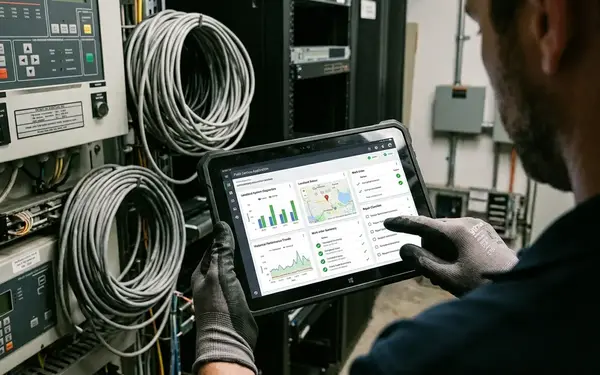
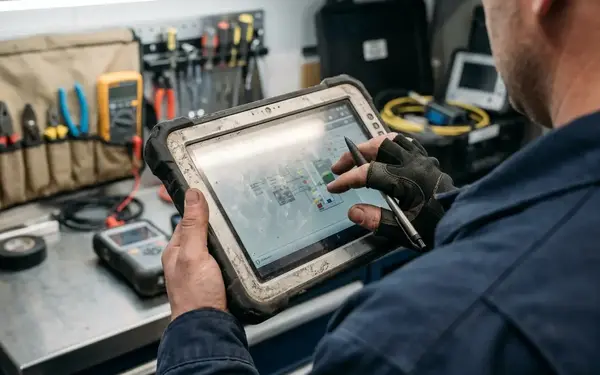
The deployed platform included more than the executable file. QVGA screens, stylus input, hardware scan triggers, charging and sync cradles, replaceable batteries, belt holsters, vehicle mounts, and warehouse Wi-Fi profiles all influenced how the system behaved.
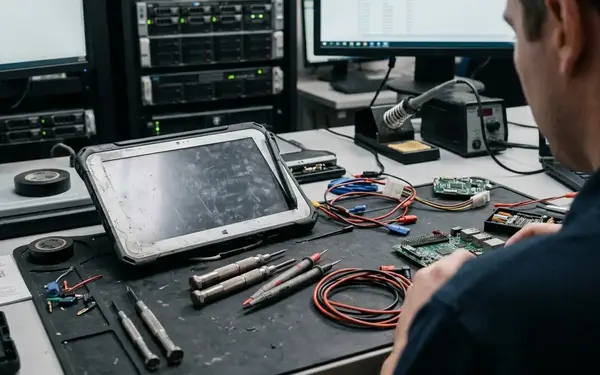
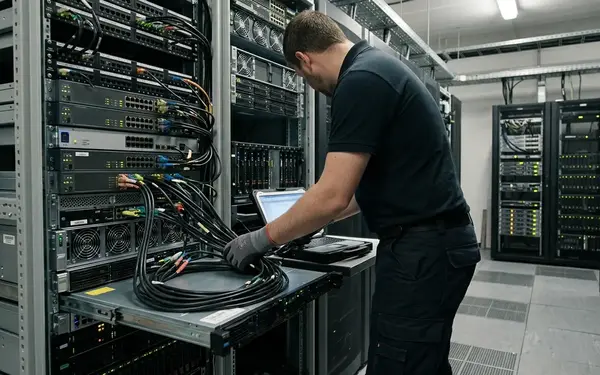
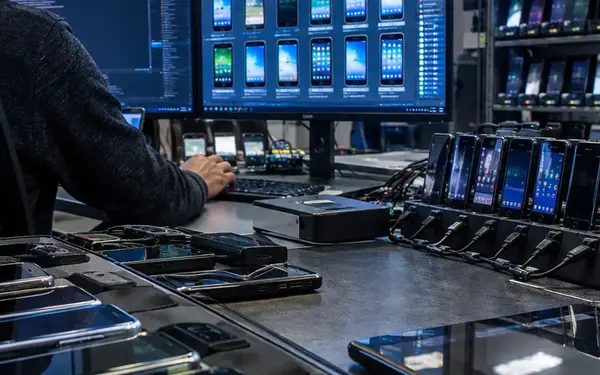
During the 2005-2010 operational period, many rugged-device rollouts began on a staging bench. A support technician applied CAB packages, loaded certificates, tested scanner input, configured wireless profiles, and assigned a unit to a route, aisle, ward, depot, or technician. That bench process was not clerical overhead. It was part of the release path.
The Application Runtime:.NET Compact Framework and Native Code Side by Side
Development workflow inside Microsoft tooling
Windows Mobile 5.0 appealed to teams already working inside Visual Studio and Microsoft server environments. Smart-device projects, emulator testing, CAB packaging, and deployment through a desktop sync connection fit the habits of enterprise development groups that were building line-of-business software rather than consumer apps.
.NET Compact Framework shortened the path for forms-based workflows. Route stops, proof-of-delivery fields, inspection questions, stock counts, and supervisor approvals all mapped well to compact forms with explicit Save and Next buttons.
Managed code versus native control
The runtime choice was an engineering trade-off, not a language preference. Managed code improved delivery speed for business forms and validation logic. Native C++ or interop became more attractive when the application needed lower-level access to a scanner wedge, serial cradle, radio status API, or vendor SDK.
The better teams made that decision per subsystem. A stock-counting screen could sit in managed code while a scan library or peripheral bridge used native components. That split added complexity, but it also respected the reality of the hardware.
Interface constraints that shaped code
QVGA layouts forced discipline. The soft input panel could cover fields. Stylus-first controls rewarded short modal forms. Validation had to run without a network round trip, because the user might be standing in an aisle, a loading bay, or a patient corridor with no stable connection.
Defensive coding mattered. Duplicate taps after a slow refresh, partial barcode reads, interrupted uploads during suspend, and battery removal before a local transaction flushed were not edge cases in the field. Error messages also had to serve a dispatcher or help desk analyst who might diagnose the problem over the phone without seeing the handheld.
Quick Tip: Treat the handheld as a constrained enterprise endpoint with local state, uncertain connectivity, and peripheral dependencies, not as a reduced desktop client.
The Hard Part Was Never the Screen — It Was Synchronization
The central architecture question was not whether a form could fit on a small screen. It was whether mobile data stayed coherent after the connection failed at the wrong moment.
A common occasionally connected loop looked like this: create or edit a record on the handheld, store it locally with a device timestamp and user identity, mark it as pending, transmit it when a link becomes available, receive a server acknowledgement, then mark the local row as applied or rejected. Each verb in that sequence carried business meaning.
Local queues carried the business process
Local storage varied by deployment. SQL Server Mobile or SQL Server Compact-style databases handled structured device data. Small reference lists could live in local files. Cached XML payloads supported lookup-heavy workflows. Application-specific queue tables stored transactions waiting to be sent.
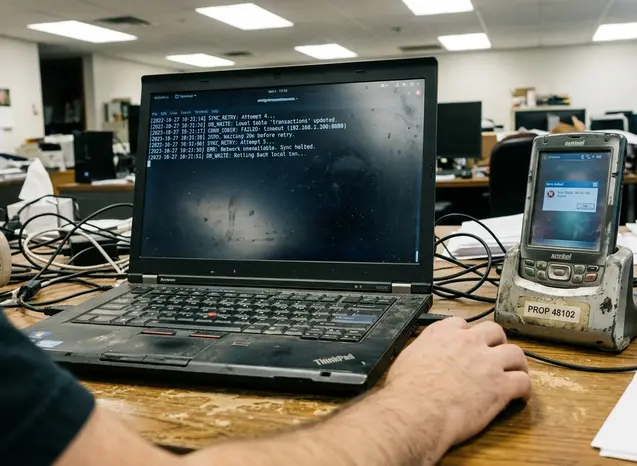
A handheld application could appear stable during desk testing but lose real transactions when a driver suspended the radio during upload and the application marked the local row as sent before receiving a server acknowledgement. That single sequencing error made the screen look successful while the business system never received the record.
Different sync paths coexisted
There was no single enterprise sync pattern in the period. Warehouse units might use Wi-Fi during a shift. Delivery devices might upload through cellular data at route breaks. Depot workflows might still rely on cradle-based synchronization. Higher-security environments might require VPN access before the application endpoint was reachable.
Messaging should be kept separate in the architecture map. Exchange ActiveSync-style mail and calendar synchronization did not automatically solve custom work-order, inventory, inspection, or route reconciliation. Line-of-business synchronization needed its own conflict rules, retry behavior, audit fields, and server receipt handling.
Note: Synchronization logic often became the real business system because it encoded conflict resolution, retry windows, audit fields, duplicate suppression, server receipt handling, and the recovery procedure for records stuck between pending and applied.
Provisioning, Security, and Support Before Modern MDM
Operations belonged inside the stack
Before a user completed one field transaction, the device had to be staged. CAB installation, provisioning XML, desktop sync partnerships, removable storage for field reinstall, certificate import, VPN or APN configuration, device PIN policy, and role-specific application settings all had to line up. In practice, that meant a technician could not hand over a unit until the certificate chain, the sync partnership, and the correct route or aisle assignment were all confirmed on the bench — a single missing profile would strand the device on its first shift.
From roughly 2005-2011, management was fragmented. Some teams used platform tools. Others used OEM utilities, carrier services, third-party products, or bench procedures documented by the mobility support team. Modern mobile device management later made parts of this feel more uniform, but the Windows Mobile-era model depended heavily on local deployment practice.
Security was layered, not singular
Security could not live in one checkbox. Application login identified the user. Transport protection guarded service calls. Device locks or PINs reduced casual access. Local reference data needed access control. Server-side disablement helped after loss or theft. Audit trails had to identify the device as well as the user.
Support details shaped software behavior. Spare batteries at shift change, stylus replacement, scanner calibration, cradle cable failures, corrupted sync partnerships, and help-desk scripts all influenced what the application needed to report. A useful local error screen showed transaction ID, sync state, device name, and last successful connection time because the person diagnosing the issue might never touch the unit.
A warehouse deployment could fail operationally because replacement cradles or USB cables behaved differently from the original staging bench, even though the application binary and database schema were unchanged. That kind of failure sits outside source control but inside the real system.
Where Windows Mobile 5.0 Worked Best — and Where It Struggled
Strong fit: structured work with offline capture
The platform worked best when the workflow had a stable shape: warehouse receiving, cycle counts, route delivery confirmation, field repair notes, meter or equipment inspection, hospital rounds, retail shelf checks, and regulated forms. These tasks could be represented as compact forms, scan events, local transaction queues, and reconciliation rules.
That fit also explains why rugged-device deployments lasted. A polished consumer interface mattered less than a reliable scan trigger, a battery that could survive the shift, and a local record that could wait for the next connection. In those settings, Windows Mobile 5.0 aligned with Microsoft server environments and custom peripherals in a way later consumer-first platforms did not initially duplicate.
Weak fit: consumer expectations and fast distribution
The weak spots appeared when the application depended on rich web browsing, photo-heavy collaboration, rapid UI experimentation, or consumer-facing service design. The platform also struggled when many unrelated device models needed frequent application updates with minimal staging.
Later iOS and Android enterprise models normalized touch-first interaction, app-store-style distribution, and more consistent consumer hardware expectations. Windows Mobile 5.0 belonged to an older operating model: closer to back-office systems and device-specific workflows, but less suited to broad app distribution and polished media interaction.
This analysis applies best to custom enterprise and rugged-device deployments, not to consumer smartphone adoption patterns or general-purpose mobile app ecosystems. The same Windows Mobile 5.0 application might run acceptably on a route-delivery device with brief cellular uploads but perform poorly in a hospital or warehouse if roaming between access points interrupted authentication or session state.
What Modern Architects Can Still Learn from the Stack
The durable lesson is to review the system from the sync path outward. Screen design is visible, but the operational risk usually hides in local persistence, identity, transport security, deployment, support, hardware replacement, and back-end ownership.
Legacy review checklist
Runtime choice and any native interop dependencies
Local database, file store, lookup cache, or queue table
Identity model for both user and device
Transport security, VPN, APN, and certificate handling
Deployment package, CAB build process, and reinstall method
Device provisioning procedure and staging bench documentation
Support script for sync failure, authentication failure, and wireless coverage checks
Hardware replacement path for cradles, batteries, scanners, and mounts
Named back-end owner for ERP, CRM, inventory, or inspection-system adapters
For modernization work in the 2012-2018 legacy-replacement period, many projects first had to preserve business rules hidden in synchronization code before rebuilding the mobile UI. Undocumented queue tables, hard-coded endpoint URLs, expired certificates, unclear lookup refresh rules, abandoned CAB build scripts, and server adapters owned by a different team than the mobile application often carried more risk than the old screens.
Quick Tip: When reviewing a legacy Windows Mobile system, inspect the synchronization path and device provisioning procedure before criticizing the screen design; the plain UI may be less risky than the unseen retry and reconciliation logic.
The most useful next step is concrete: trace one real transaction from scan or form entry through local save, pending queue, connection attempt, server receipt, conflict decision, back-office update, acknowledgement, and local cleanup, then mark the first point where ownership or evidence becomes unclear.









Join the Conversation
Share your thoughts.
Your Comment