
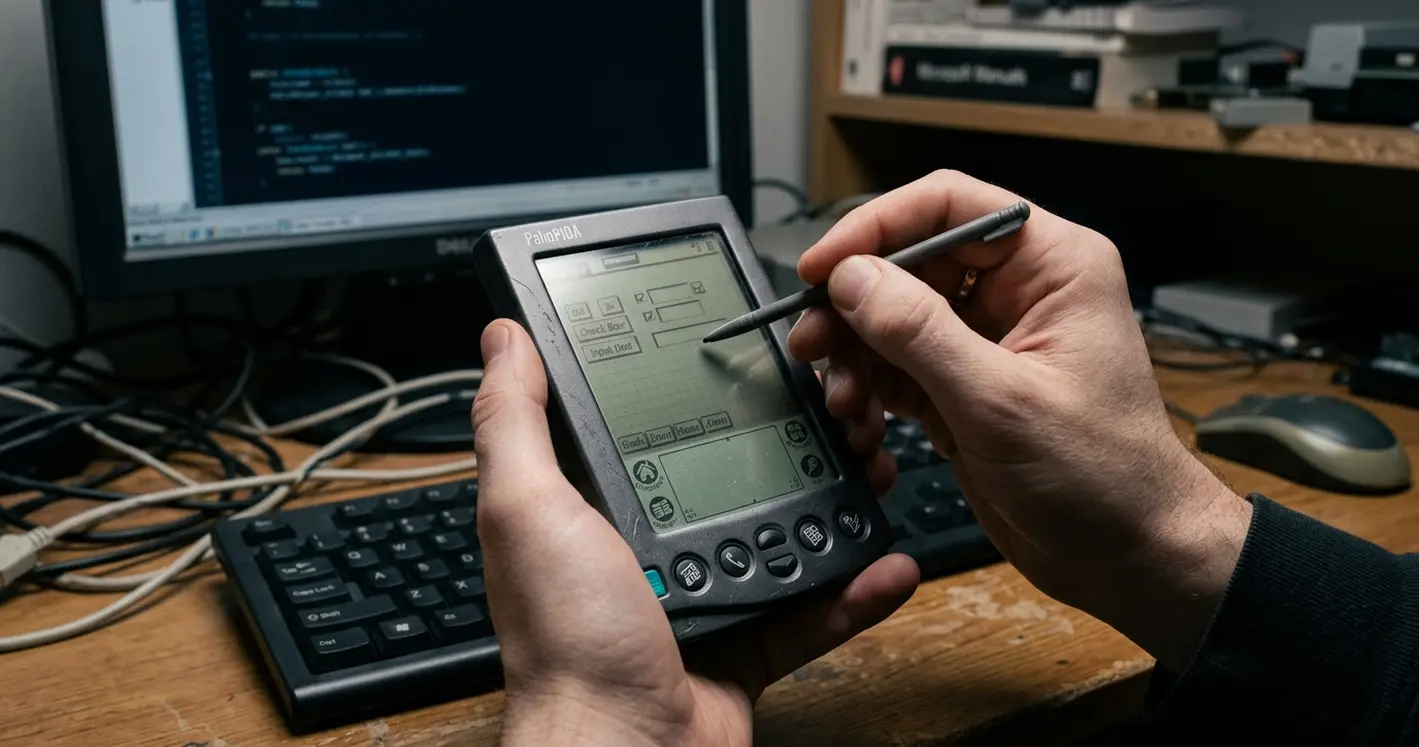
The PDA Builder Choice Was Never Just About Coding Faster
An operations manager once described the problem to me in one sentence: the forms work fine until the truck leaves the depot. That was the real tension of the early enterprise mobility era. Teams were not comparing polished mobile platforms with clean SDKs and app-store distribution. They were choosing between limited devices, fragile connectivity, and business processes that had to keep functioning far from the network.
PDA application builders emerged as a practical answer to that pressure. Field-service technicians, sales representatives, inspectors, delivery drivers, and warehouse counters all needed something better than paper. But replacing paper was only the visible part of the job. The harder part sat underneath: what happens to the record when the device is offline, the battery dies mid-entry, or two people edit the same asset before either has synchronized?
So the selection rarely started inside the development team. Operations first noticed where paper forms were failing. Architects then checked whether a handheld user could actually finish a route. Only later did anyone open a builder and drag a text box onto a form.
This comparison uses a consistent lens across every tool: development speed, offline data handling, synchronization model, device and runtime dependency, integration with enterprise systems, and long-term maintainability. Those six angles decided which projects survived their first full field cycle.
What Qualified as a PDA Application Builder in the Early Mobile Era?
The category was broad, and the boundaries were deliberately blurry. A PDA application builder was anything that helped a team deliver a deployable handheld business application with local data entry, some device-side logic, and a path back to a server. That definition covered visual form designers, rapid application development environments, database-centric mobile tools, scripting systems, and IDE extensions.
The relevant enterprise window runs mainly from 2001 to 2008. Classic handheld operating systems, Pocket PC-class devices, Windows CE derivatives, and later Windows Mobile deployments all overlapped in real field projects during those years. A team might carry three device generations at once.
Several tool families competed for the same workflows. Microsoft Visual Studio paired with the.NET Compact Framework anchored the code-first camp. SQL Server CE tooling handled structured local storage. Sybase and iAnywhere mobile database products brought replication expertise. NS Basic offered scripting-style productivity, while AppForge-style approaches promised cross-platform reach across Palm OS and Pocket PC. Alongside those sat a wide range of form-driven builders aimed squarely at inspection and data capture.
What made classification hard was bundling. A single builder often combined four pieces that modern teams keep separate: screen layout, local storage definition, synchronization packaging, and a runtime library installed on each device. Deployment reinforced the coupling. Instead of app stores, teams relied on CAB-style installation packages, memory-card staging, desktop cradle tools, or early mobile device management precursors.
The Six Criteria That Actually Separated the Builders
A fast form demo impresses a sponsor. It tells a support team almost nothing. The useful way to compare builders is in the order an enterprise support team feels the pain: local workflow first, then the data model, then synchronization, then deployment.
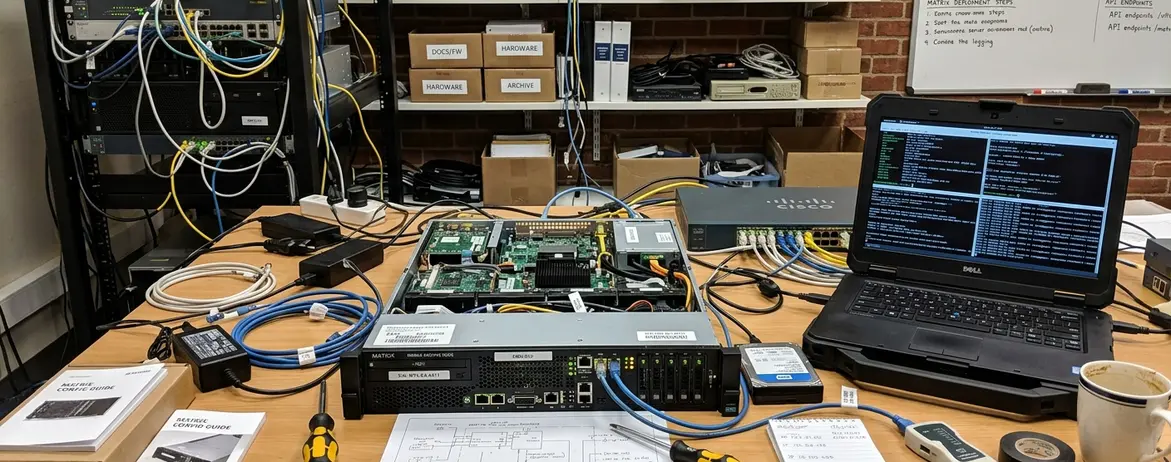
Drag-and-drop form design mattered most where screens had many short fields, barcode inputs, signature capture, or branching logic that had to fit a 240x320 or 320x240 layout. Those constraints were unforgiving. A form that scrolled awkwardly on QVGA slowed one-handed entry, and slow entry quietly killed adoption in the field.
But visual design alone was insufficient once an application needed conflict handling, local validation, or background synchronization. That is where the deeper split appeared.
Database-first versus code-first
Database-first builders accelerated structured data capture. When records resembled inspection rows, asset counts, delivery confirmations, or survey answers with predictable parent-child tables, these tools moved a team from idea to working screen quickly. Code-first environments gave more control: scanner APIs, serial or Bluetooth peripherals, custom authentication, encrypted local files, and multi-step validation before a record could sync.
Runtime dependency was the criterion that stayed invisible until the first upgrade. Some teams discovered they had to update both the application package and the builder runtime across every handheld before a single changed form could ship. That is a maintenance tax, and it compounds with every device in the fleet.
- UI construction: can forms handle small screens, scanner input, required fields, and fast one-handed entry?
- Data model: do local tables map cleanly to the server records they represent?
- Offline support: is local storage backed by validation and identity, or is it just a cache?
- Synchronization: where do merge decisions actually live?
- Enterprise integration: can it reach existing service layers without brittle glue?
- Deployment burden: what does a runtime upgrade cost across the whole fleet?
Offline Synchronization Was the Feature That Made or Broke Projects
Occasionally connected applications defined the era. Devices lived in warehouses, trucks, clinics, retail aisles, and industrial yards where continuous network access could not be assumed. Warehouse users might have local wireless. Delivery drivers synchronized at a depot. Technicians often depended on cradle-based sync at the start or end of a shift.
Those cradle patterns created predictable traffic bursts: a rush before routes began, another when devices returned. Planning capacity around shift boundaries was ordinary operations work, not an edge case.
One common decision path started with simple file exchange during a prototype, then abandoned it after the first multi-user edit test exposed duplicate updates and weak audit trails. The failure case is easy to picture. A pilot inspection app succeeds with single-user uploads, then breaks in production when two technicians edit the same asset record before either device has synchronized.
Local storage was never the same as reliable offline capability. A dependable design needed at least five operational fields beyond the business form itself: user identity, device identity, last-modified timestamp, sync batch marker, and conflict status. Drop the sync batch identifier and you lose the ability to tell a legitimate retry from a duplicate submission.
Synchronization patterns clustered into a few recognizable shapes:
- One-way upload for inspections
- Hub-and-spoke replication for route work
- Filtered downloads by territory or route
- Server-mediated merges for shared customer or asset records
Support procedures then had to cover the messy reality: interrupted transfers, duplicate submissions, stale reference data, deleted records reappearing, and handheld replacement after loss or battery-backed memory failure. Context shaped how much of this a team needed. A warehouse stock-count tool might tolerate end-of-shift cradle synchronization, while a field repair workflow demanded mid-day reference-data updates and stronger conflict handling.
One honest limit on this whole framing: it applies to occasionally connected enterprise workflows. For consumer-style applications that assume a continuously reachable server, most of these battles simply do not exist.
.NET Compact Framework vs. Rapid Builders: Control or Speed?
The control-versus-speed decision usually split along ownership lines. Departmental sponsors preferred form-centric builders because they could see a working inspection or inventory screen within days. Central IT leaned toward code-first development, because they would own the integration and the upgrades for years.
Visual Studio with the.NET Compact Framework aligned naturally with teams already invested in C#, Visual Basic.NET, SQL Server, and Windows Mobile devices. The managed runtime offered a familiar language model. It still required device-specific testing, because screen orientation, memory behavior, scanner wedges, and wireless drivers varied by hardware image. The .NET Compact Framework documentation captured much of that surface area, though real behavior only surfaced on real devices.
The trade-off was clear. Compact managed development could reach deeper into device behavior and enterprise integration, but it asked for more engineering discipline than a form-centric builder ever did.
Rapid builders earned their place in workflows where the record structure changed slowly: daily vehicle inspection, shelf audit, meter reading, parts count, and simple route confirmation. Code-centric approaches were the better fit when applications needed conditional pricing, service entitlement checks, complex barcode validation, encrypted local data, or integration through existing enterprise service layers.
A realistic enterprise test matrix reflected this seriousness. It typically exercised at least three device states: freshly provisioned, used for a full shift with partial connectivity, and recovered after an interrupted synchronization. A tool that passed a demo but failed the third state was not ready for the field.
What Modern Mobility Teams Can Still Learn From PDA Builders
The lesson is not that anyone should copy old PDA tools. It is that their failures made the architecture visible. When the network could vanish for hours, teams had no choice but to think clearly about ownership of sync logic, maintainable local data models, deployment observability, and supportable field workflows.
Modern stacks changed packaging and networking. They did not remove the core question: what happens when the user, the device, and the business process all continue while the network does not? Local validation, queue inspection, retry limits, audit identifiers, and support-visible sync logs remain just as necessary as they were on a Pocket PC.
A durable evaluation should also ask where sync decisions live: on the device, in middleware, in database replication rules, or in application services. That single question exposes most of a builder's real character.
Quick Tip: Evaluate any mobile builder by walking through four recovery tests before you commit — a failed sync, a replaced device, a changed local schema, and a user editing stale data against an older server record.
Take the next step this week: pull the four recovery tests into a written checklist, hand each candidate builder a device that has just returned from an interrupted sync, and watch what it does with the half-finished record. The tool that recovers cleanly is the one worth piloting.












Join the Conversation
Share your thoughts.
Your Comment