
What's Inside
- The shift change decides which handheld model works
- Pooled and assigned handhelds across a real workday
- Keeping worker identity attached to offline inspection records
- Charging bays, spares, and failed hardware
- A cost worksheet built from rehearsed handovers
- A depot inspection crew's handover, step by step
The Shift Change Decides Which Handheld Model Works
Most device debates start with hardware allocation. Should every field worker carry their own handheld, or should a crew draw from a shared pool? The more useful starting point is the handover. A reliable release process can make pooled handhelds suitable for demanding field work. Writing a worker's name on a device, by contrast, says very little about who is accountable for the records on it.
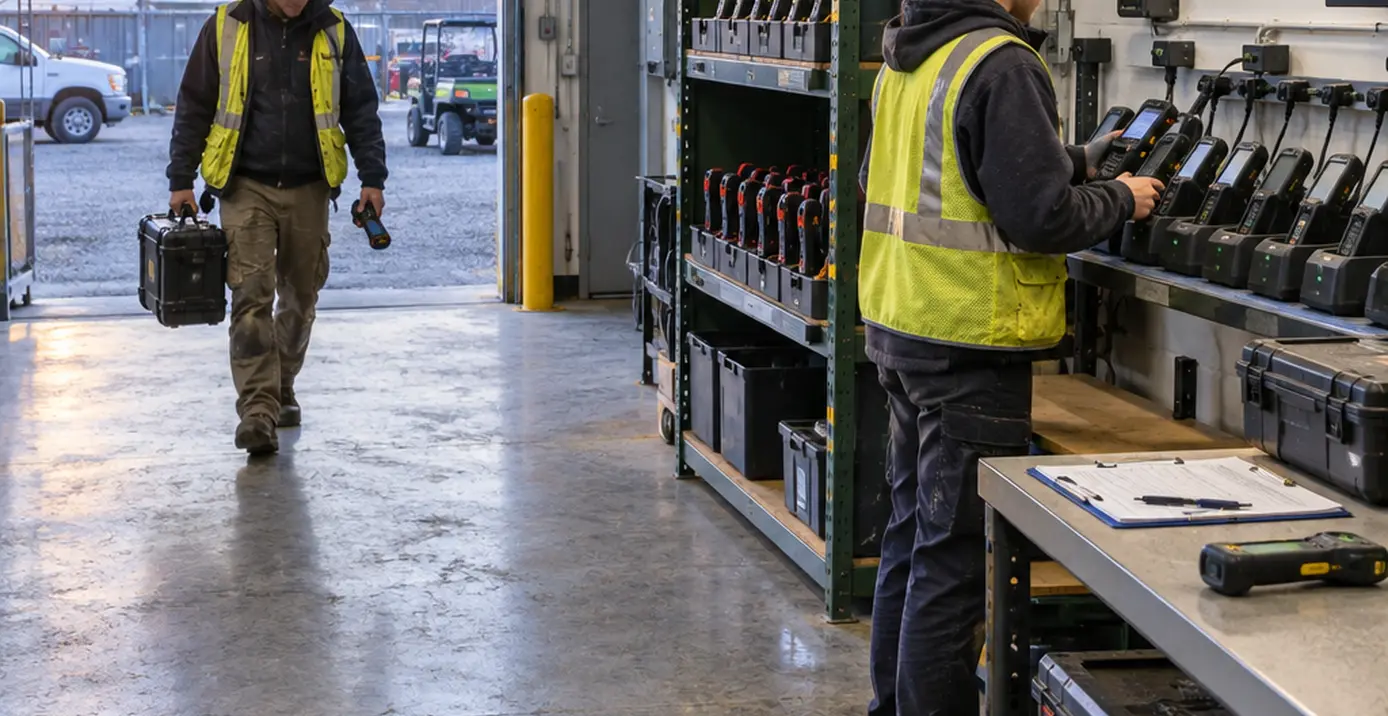
Picture a depot at 6:00 a.m. The night inspector has just walked in from the yard, where coverage drops out between buildings. Their scanner holds a set of inspection records for welding carts, arc welding power sources, and plasma arc cutting torches, and some of those records have not yet reached the server. The morning inspector is standing at the counter and needs a handheld now, because dispatch has already queued the first round of air carbon cutting equipment for checks.
Three demands collide in that moment. Dispatch needs available hardware. The outgoing worker needs their records preserved under their own identity. The incoming worker must not gain access to the outgoing worker's offline data. Any device model that cannot resolve all three at the counter will fail in practice, however tidy it looks on a procurement spreadsheet.
For that reason, the comparison here weighs workflow continuity, identity boundaries, charging arrangements, and support effort before purchase price. All operating scenarios in this article are hypothetical design examples. They are not measured outcomes, product documentation, or claims about any particular platform.
Pooled and Assigned Handhelds Across a Real Workday
Two definitions keep the comparison honest. Pooled devices are organization-owned handhelds issued to different workers across shifts. Individually assigned devices are organization-owned handhelds normally retained by a named worker. Personal-device ownership sits outside this comparison entirely.
Begin by mapping where workers start and finish their day. A depot crew can return handhelds to a staffed staging point for release checks and charging. A technician who drives directly between customer sites carries unfinished work and equipment along the route. The first case favors controlled reissue; the second favors continuity with a named worker.
| Operational question | Pooled handhelds | Individually assigned handhelds |
|---|---|---|
| Shift handover | Release check before every reissue; unresolved work can hold a device. | No routine cross-worker handover; reassignment still requires a defined procedure. |
| User attribution | Depends on individual application sign-in at every checkout. | Still depends on individual sign-in; possession alone does not attribute records. |
| Offline record separation | Must be enforced between consecutive users on the same hardware. | Mainly matters at reassignment, repair, or replacement. |
| Charging responsibility | Centralized at the station, owned by the station operator. | Distributed to workers, vehicles, or home locations. |
| Spare-device access | Ready spares sit at the station and can be issued immediately. | Spares must be provisioned and delivered to the worker's location. |
| Support ownership | Concentrated at the station and the shift boundary. | Spread across workers, dispatchers, and remote support. |
Pooling centralizes storage, charging, and allocation, which is a genuine advantage when a dozen inspectors share one building. In exchange, it introduces three obligations: an explicit checkout transaction, individual application sign-in, and a release decision whenever custody changes. Skip any of them and the pool turns into a shared account with extra steps.
Assignment preserves a worker's local working context across long routes and repeat visits. It also distributes charging responsibility and requires written procedures for replacement provisioning and reassignment.
Match Model to Return Point
Choose pooling when controlled reissue is operationally realistic, meaning devices physically come back to a staffed point. Prefer assignment when keeping a worker's offline work intact across a route matters more than fast turnover. Neither arrangement replaces identity controls inside the application.
Keeping Worker Identity Attached to Offline Inspection Records
Follow a single inspection record before approving any account switching on shared hardware. It is created locally on the handheld. It enters a queue for submission. The server acknowledges it. Only then does the local copy become eligible for cleanup. Each step deserves its own status in the application.
A completed upload attempt is not proof that the inspection was accepted as a business transaction. Transport-level success means bytes arrived somewhere; business acceptance means the server validated and recorded the inspection. The application team should define which status establishes acceptance and display that status, rather than inferring it from the network layer. The failed-submission path needs a separate review, because that is where shift changes go wrong.
Four kinds of "who"
Field teams often blur four distinct ideas:
- Device custody identifies who physically holds the asset.
- Authenticated user identity identifies the active application session.
- Record authorship identifies who created the inspection.
- Synchronization credentials authorize transmission to the server.
A checkout log helps locate hardware. It cannot establish who submitted every record, and it does not substitute for the three application-level distinctions beneath it.
What the handheld must protect
Review worker-scoped local access, protected storage, cached attachments such as inspection photos, retained credentials, and pending changes. Encryption at rest protects data from someone reading the storage chip. It does nothing when the application itself cheerfully opens the previous worker's records for the next user.
Several shortcuts should be rejected outright: shared application accounts, screen locking used as a substitute for sign-out, deleting an unsent queue to make a device "ready," and reassigning queued records to the incoming user's identity. Each one trades a few minutes at the counter for an attribution or exposure problem later.
The release gate, then, checks accepted submissions, follows the tested cleanup procedure, ends the outgoing session, and verifies that the incoming session cannot reach the outgoing worker's records or attachments. Any retained material stays isolated according to policy. On synchronization failure, pending work stays under the original identity and the device is held, unless isolation and background submission have been verified for that application.
One qualification matters for readers studying occasionally connected.NET applications from the Windows Mobile era. Treat everything above as architectural review questions. Safe account switching is a capability to demonstrate in the implementation under study. Older offline clients were often designed around a single user per device, and contemporary device-management facilities may simply not have existed for them.
Charging Bays, Spares, and Failed Hardware
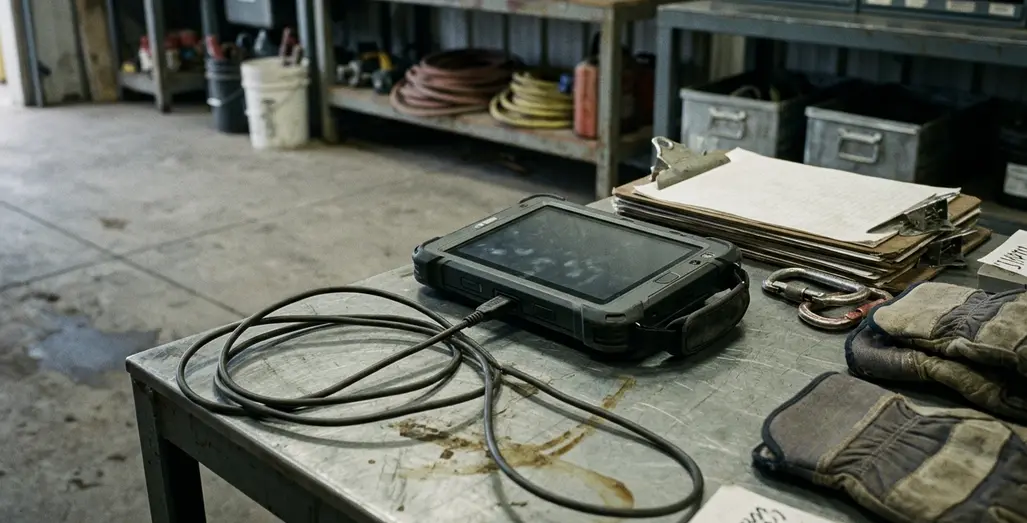
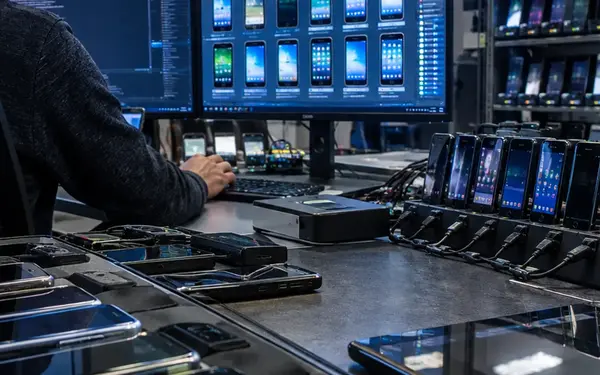
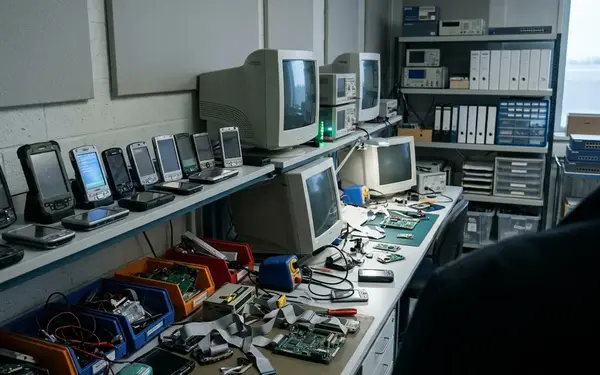
A pooled-device station works when anyone can see, at a glance, which handhelds are ready and which are waiting on recovery. That means labeled charging bays, asset identifiers on every unit, separate ready and held-device locations, and a custody record. Keep the custody record apart from application authentication and record authorship; it answers a physical question only.
Readiness has four parts:
- Adequate charge for the expected task.
- Functioning scanners and any other required peripherals.
- Successful application launch.
- Access to the appropriate worker's authorized workload.
Set the charge requirement from the task and observed battery behavior. An eight-hour yard shift in cold weather and a two-hour bench inspection need different thresholds, and a single arbitrary percentage serves neither. Physical checks belong here too: cleaning, scanner tests, compatible charging accessories, and reporting damaged connectors. These are station duties, not software features.
Divide ownership cleanly. The station operator handles physical readiness. Application support handles unresolved queues and authorization problems.
Assigned devices need the same responsibilities written down across worker, dispatcher, and support team. Where does charging happen? Who reports damage? How does a replacement receive authorized work, and who investigates unsynchronized records on failed hardware?
Replacement Isn't Recovery
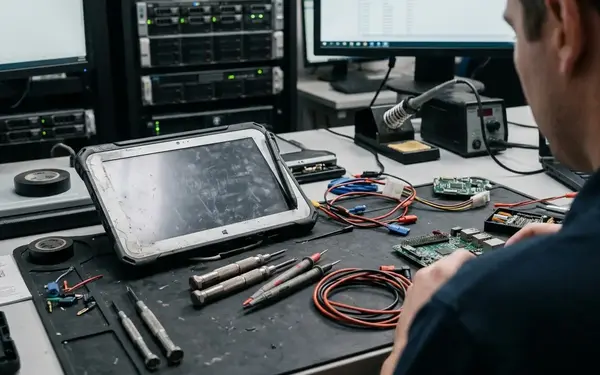
A freshly provisioned replacement handheld is not a recovered work queue. Records that existed only on the failed device need a separate recovery assessment, because a new login on new hardware will not recreate them.
Pools concentrate support demand at the station and the shift boundary. Assignment spreads charging, provisioning, and recovery work across people and locations, which can feel lighter until a technician three counties away has a cracked screen and a full queue.
A Cost Worksheet Built from Rehearsed Handovers
Assumed savings rates are easy to write and hard to defend. A better comparison rests on actual inventory requirements and observed workflow effort. Rehearse a representative shift handover and a replacement-device event for each proposed arrangement, then price the resources consumed over the same accounting period.
Inventory lines
- Operational handhelds and ready spares
- Devices held for pending work
- Charging equipment
- Applicable licenses
- Repair handling and replacement provisioning
Count held handhelds as their own line. A held device is unavailable for dispatch even when its hardware works perfectly, so it belongs neither with ready spares nor with devices awaiting physical repair.
Workflow lines
- Checkout administration and repeated authentication
- Waiting for synchronization and delayed dispatch
- Restoring authorized workloads
- Reconciling interrupted submissions
During each rehearsal, record five moments: when the worker requests a device, when authorized offline work becomes available, when synchronization starts, when business acknowledgment arrives, and when the device is released or held. Derive waiting time from those observations. At the end of the event, capture the unresolved queue state and every support intervention. A device that launches but lacks the worker's required workload counts as a readiness failure.
The numbers can surprise people in both directions. A smaller pool loses its apparent inventory advantage when pending work regularly blocks reissue. Assignment carries avoidable inventory and administration cost when devices sit unused in lockers. Treat pilot results as local evidence, since connectivity, workload size, application behavior, licensing terms, and operational discipline all shape the outcome at a given site.
Disqualify Lossy Recovery
Reject any arrangement whose normal recovery procedure requires losing records, sharing credentials, or exposing another worker's cached data, regardless of how well it prices out.
A Depot Inspection Crew's Handover, Step by Step
Here is a hypothetical case worth copying. Depot-based equipment inspectors scan welding rigs, plasma arc cutting units, and air carbon cutting torches in yard areas with intermittent coverage. After each shift they return to a connected staging area and hand devices back before the next crew starts.
Selection: a shared pool, because custody always returns to a controlled release point. Prerequisites: individual application accounts, worker-scoped local storage, visible synchronization status, and a hold procedure that has actually been tested.
- Checkout. The inspector records custody of the asset by its identifier, signs in with an individual application account, and confirms the assigned inspection workload opens offline before leaving the staging area.
- Inspection. The application retains the inspector's authorship and queues changes under that identity, including records captured in dead zones behind the fabrication shed.
- Return. The inspector places the handheld in the connected staging area and starts synchronization while the outgoing session is still valid.
- Release check. The station operator verifies server acknowledgment and has support resolve any reported submission errors before local cleanup.
- Hold path. If pending work remains, the operator labels the device as held, moves it to the held tray, preserves the queue, and issues a ready spare to the incoming inspector.
- Cleanup. After acknowledgment, the operator follows the tested cleanup procedure, ends the outgoing session, and confirms the outgoing records and attachments cannot be reached from a new session.
- Physical readiness. The operator checks charge against the next task and tests the scanner, then moves the handheld to the ready bay.
- Reissue. The incoming inspector signs in and confirms access only to their own authorized workload.
The handover passes when three things are true at once: the incoming inspector can work offline, the outgoing inspector's records carry a server acknowledgment, and no outgoing-worker data is visible in the incoming session. For example, if an inspection record from behind the fabrication shed remains unacknowledged, the returned handheld stays in the held tray with its queue intact. The incoming inspector takes a ready spare and confirms their own workload opens offline; the held device returns to the ready bay only after acknowledgment, cleanup, and physical readiness checks.



Join the Conversation
Share your thoughts.
Your Comment